How to Add Two-Factor Authentication (2FA) to Your SaaS
Two-factor authentication (2FA) is one of those security features most founders plan to add "eventually" — and then realize they needed it on day one when an account gets compromised. TOTP (authenticator apps) is the recommended approach. Here's how to add it correctly, including the recovery flow most guides conveniently skip.
Quick Answer
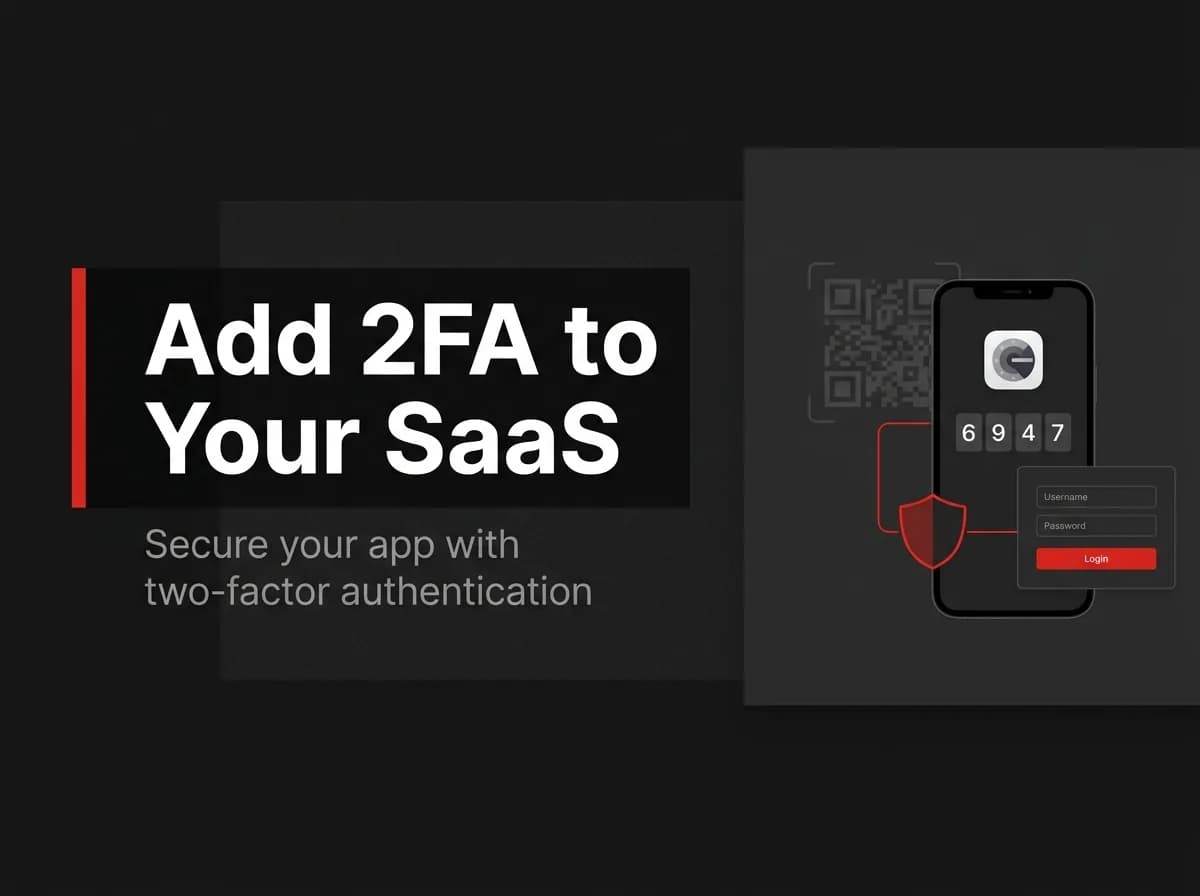
To add two-factor authentication (2FA) to a SaaS, let users enroll an authenticator app using TOTP: generate a secret, show it as a QR code, verify the first code to confirm setup, then require a valid code at login in addition to the password. Always issue recovery codes for lost devices and notify users whenever 2FA is enabled or disabled. TOTP (authenticator apps) is the safest common second factor — prefer it over SMS.
What 2FA is
Authentication factors come in three kinds: something you know (password), something you have (a phone/authenticator), and something you are (biometrics). 2FA combines two of these so a stolen password alone cannot grant access.
The TOTP flow
Step | What happens |
|---|---|
Enroll | Generate a per-user secret, render a QR code, user scans it in an authenticator app |
Confirm | User enters the current 6-digit code; you verify before turning 2FA on |
Login | After password, require a valid TOTP code |
Recover | Provide one-time recovery codes for lost devices |
// (untested-here) enroll + verify with a TOTP library
import { authenticator } from 'otplib';

const secret = authenticator.generateSecret(); // store encrypted per user
const otpauth = authenticator.keyuri(user.email, 'FastStaq', secret);
// render `otpauth` as a QR code for the user to scan

const isValid = authenticator.verify({ token: userInput, secret });
Recovery codes
Generate a set of single-use recovery codes at enrollment, show them once, and store only their hashes. If a user loses their device, a recovery code lets them back in — then prompt re-enrollment.
Security notifications
Tell users when 2FA is enabled, disabled, or a recovery code is used. These notifications are a key signal that an account may be under attack.
UX tips
Make 2FA optional first, then enforce it for admins or sensitive tiers.
Verify the first code before enabling, so users never lock themselves out.
Offer "remember this device" to reduce friction on trusted devices.
How this maps to FastStaq
FastStaq ships 2FA, with security notifications emitted by its auth2FAController, as part of its own authentication system (alongside sessions, OAuth, and magic link). So the TOTP approach described here is built in rather than something you bolt on. See the Next.js authentication guide and how to protect routes with middleware.
Frequently asked questions
Is TOTP better than SMS for 2FA? Yes — SMS can be intercepted or SIM-swapped; authenticator-app TOTP is the safer common default.
What happens if a user loses their phone? Recovery codes let them back in; then prompt them to re-enroll a new device.
Should I force 2FA on everyone? Start optional, then enforce it for admins or sensitive accounts where the risk justifies the friction.