How to Implement Magic Link Authentication
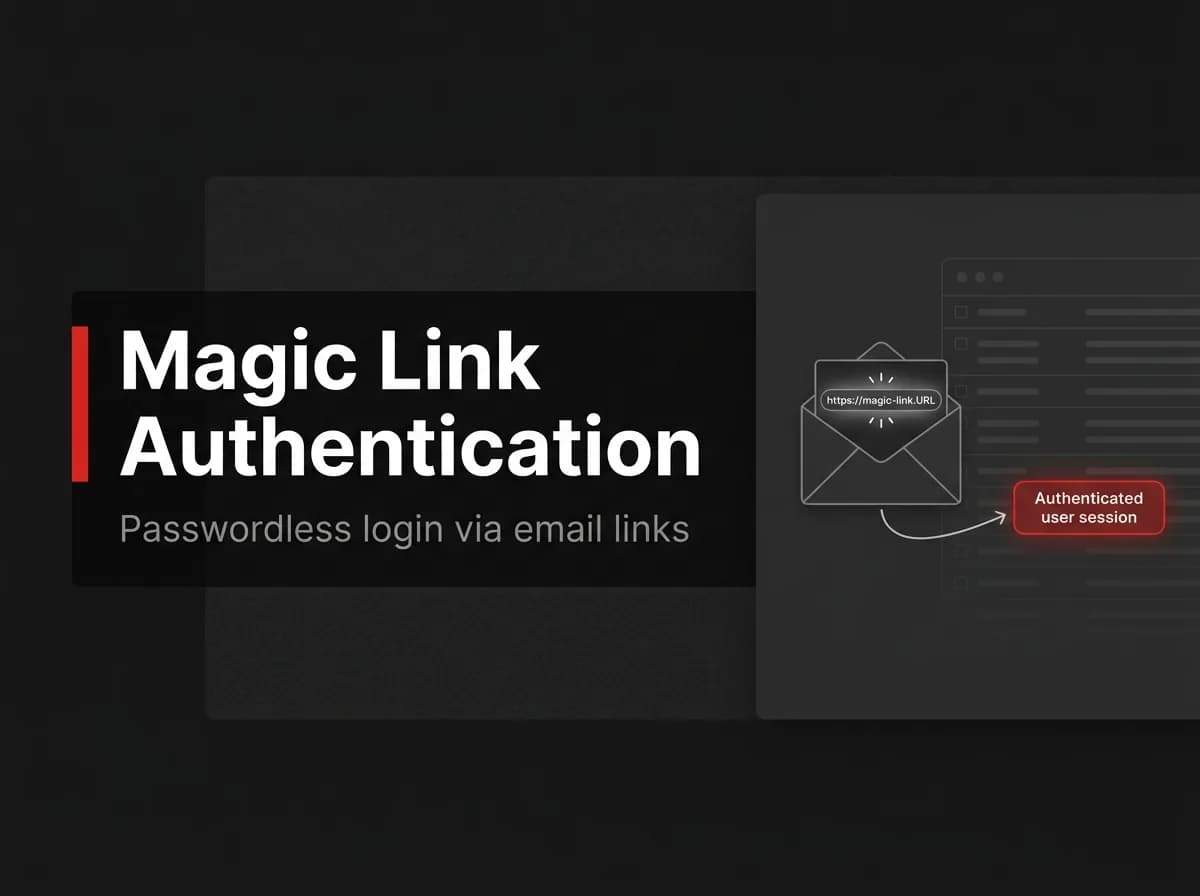
Magic link authentication logs a user in with a one-time link sent by email, instead of a password. The server generates a short-lived, single-use token, emails a link containing it, and starts a session once the user clicks the link and the token checks out. There's no password to steal, phish, or reset.
What Is a Magic Link?
A magic link is a one-time, expiring sign-in link emailed to a user so they can log in without typing a password.
It swaps password storage for token storage. You still have a secret to protect, it just lives for minutes instead of the life of the account.
Password login | Magic link login | |
|---|---|---|
What the user remembers | A password | Just their email address |
Main attack surface | Credential stuffing, reused passwords, phishing pages | A compromised inbox or intercepted email |
Reset flow needed | Yes, a separate one | No, every login already works like a reset |
What you build | Hashing, password policy, reset flow | Token generation, email delivery, verification |
Neither option is free. Passwords push the security problem onto users who reuse them everywhere. Magic links push it onto your email delivery pipeline and the user's inbox security.
How Magic Link Authentication Works
The flow has five steps, all triggered from a single email field:
User submits email
        |
        v
Server generates a one-time token
        |
        v
Token hash stored with an expiry timestamp
        |
        v
Email queued with a signed link
        |
        v
User clicks the link
        |
        v
Server verifies the token, creates a session, marks the token used
The token never sits in the URL unhashed on your server. What you store is a hash of the token, so a database leak alone doesn't hand out working login links.
Prerequisites
A backend that can send transactional email (SMTP provider or API like SES, Postmark, Resend)
Somewhere to store tokens with an expiry: Redis is a natural fit, a database table works too
A background job runner or queue, so token creation doesn't block on the email provider's response time
A session mechanism already in place (cookie or JWT) for the step after verification
Step 1: Generate a One-Time Token
Generate the token with a cryptographically secure random source, hash it before storage, and set an expiry. Store the hash, not the raw token, the same way you'd never store a raw password.
ts
// pattern for a token service, untested here
import { randomBytes, createHash } from "crypto";

async function createMagicLinkToken(email: string) {
  const rawToken = randomBytes(32).toString("hex"); // goes in the email
  const tokenHash = createHash("sha256").update(rawToken).digest("hex"); // goes in storage

  await tokenStore.set(tokenHash, {
    email,
    expiresAt: Date.now() + 10 * 60 * 1000, // 10 minutes
    used: false,
  });

  return rawToken;
}
Ten minutes is a reasonable default. Shorter windows cut the attack surface further but increase how often users hit an expired link and have to start over.
Step 2: Email the Link
Queue the email instead of sending it inline. If your email provider is slow or briefly down, the request that triggered the magic link shouldn't hang or fail with it.
ts
// pattern for the request handler, untested here
const rawToken = await createMagicLinkToken(email);
const link = `${APP_URL}/magic-link?token=${rawToken}`;

await emailQueue.add("magic-link-email", {
  to: email,
  template: "magic-link",
  data: { link },
});
Return the same response whether or not the email address has an account. Confirming or denying an account's existence at this step is a user enumeration bug, not a feature.
Step 3: Verify the Token and Create a Session
When the user clicks the link, hash the token from the URL, look up the match, and check three things before creating a session: the token exists, it hasn't expired, and it hasn't been used.
ts
// pattern for the verify handler, untested here
async function verifyMagicLinkToken(rawToken: string) {
  const tokenHash = createHash("sha256").update(rawToken).digest("hex");
  const record = await tokenStore.get(tokenHash);

  if (!record || record.used || Date.now() > record.expiresAt) {
    throw new Error("This link is invalid or has expired");
  }

  await tokenStore.markUsed(tokenHash);
  return createSession(record.email);
}
Mark the token used before you create the session, not after. If session creation throws partway through, you want the token dead either way.
Security Notes: Expiry, Single-Use, and Token Storage
Hash the token before storage. The raw token only exists in the URL and in the user's inbox.
Enforce single use. Mark the token used on the first successful verification, and reject any later attempt with the same token.
Keep the expiry short. Five to fifteen minutes covers most login flows without frustrating users who don't check email immediately.
Rate-limit token requests per email address. Without this, an attacker can flood a user's inbox or hammer your email provider's send limits.
Invalidate older tokens when a new one is issued. If a user requests three magic links in a row, only the newest one should work.
Further reading: OWASP's Forgot Password Cheat Sheet covers the same token requirements (random generation, sufficient length, secure storage, single use, and expiry) in more depth, and it applies directly to magic links even though it's written for password resets: https://cheatsheetseries.owasp.org/cheatsheets/Forgot_Password_Cheat_Sheet.html
Common Issues
Email security scanners burn the link before the user clicks it. Corporate email gateways scan inbound links by visiting them, which consumes a single-use token before the real user gets to it. The fix is to not treat a GET request as consumption. Show a confirmation page with a button the user has to click, and only mark the token used on that action.
The link lands in spam. Magic links are a new sender pattern for a domain that may not have deliverability history yet. Set up SPF, DKIM, and DMARC for the sending domain before launch, not after users start reporting missing emails.
The user opens the link on a different device. If they requested the link on their phone and open it on a laptop, your session should still get created there. Don't tie the token to the requesting device or browser, tie it to the email address only.
While building FastStaq’s magic-link flow, I avoided consuming the token as soon as the link received a GET request. Corporate email scanners may open links automatically before the user does, which can invalidate a single-use token. FastStaq instead waits for an explicit confirmation action before completing the login, so an automated scan does not lock the user out.
How FastStaq Handles Magic Links
FastStaq's auth module ships magic-link login alongside email/password sessions, Google OAuth, TOTP 2FA, trusted devices, and API keys, all wired into one RBAC system. The token issuing and verification logic lives in server/src/services/magicLinkService.ts and server/src/controllers/magicLinkController.ts, with the token table added by a dedicated Prisma migration and a client-side flow at client/app/(auth)/magic-link/.
Tokens are held in a Redis-backed vault (server/src/lib/tokenVault.ts) rather than passed through job payloads or written to logs, a detail called out directly in the email service's header comments. Delivery runs through the same BullMQ worker that handles the rest of transactional email, configured over SMTP per the setup notes in the launch knowledge base.
If you'd rather not build and maintain this yourself, FastStaq is $299 one time for lifetime access to the full source, including this auth module.
FAQ
Is magic link authentication secure? It removes password-specific risks like credential stuffing and reused passwords, but it shifts trust to the user's email account and your email delivery pipeline. Treat inbox compromise as a real threat model, not an edge case.
How long should a magic link stay valid? Five to fifteen minutes is typical. Shorter windows reduce risk if the email is intercepted, longer windows reduce how often users hit an expired link.
What if someone forwards or shares their magic link? Anyone with the raw token can use it until it expires or gets used once, the same way anyone with a password reset link can use it. Single-use enforcement limits the damage to one login.
Do magic links work if the user clicks the link on a different device than the one they requested it from? Yes, as long as the token is tied to the email address rather than the device or browser session that requested it.
What happens if a user requests a magic link twice? The safest behavior is to invalidate the older token when a new one is issued, so only the most recently requested link works.
Where to go next
Magic link authentication trades password storage for token storage: generate a random token, hash it before saving, email it, and verify it once before creating a session. The security work is in the details, expiry, single use, and not treating a link scan as a real login.
Next, wire this into your session layer and test the email-scanner edge case before you ship it. For the broader authentication setup around this flow, see our Next.js authentication guide. If you're queueing the emails themselves, our transactional email piece covers the worker setup