Next.js Authentication with Supabase Auth
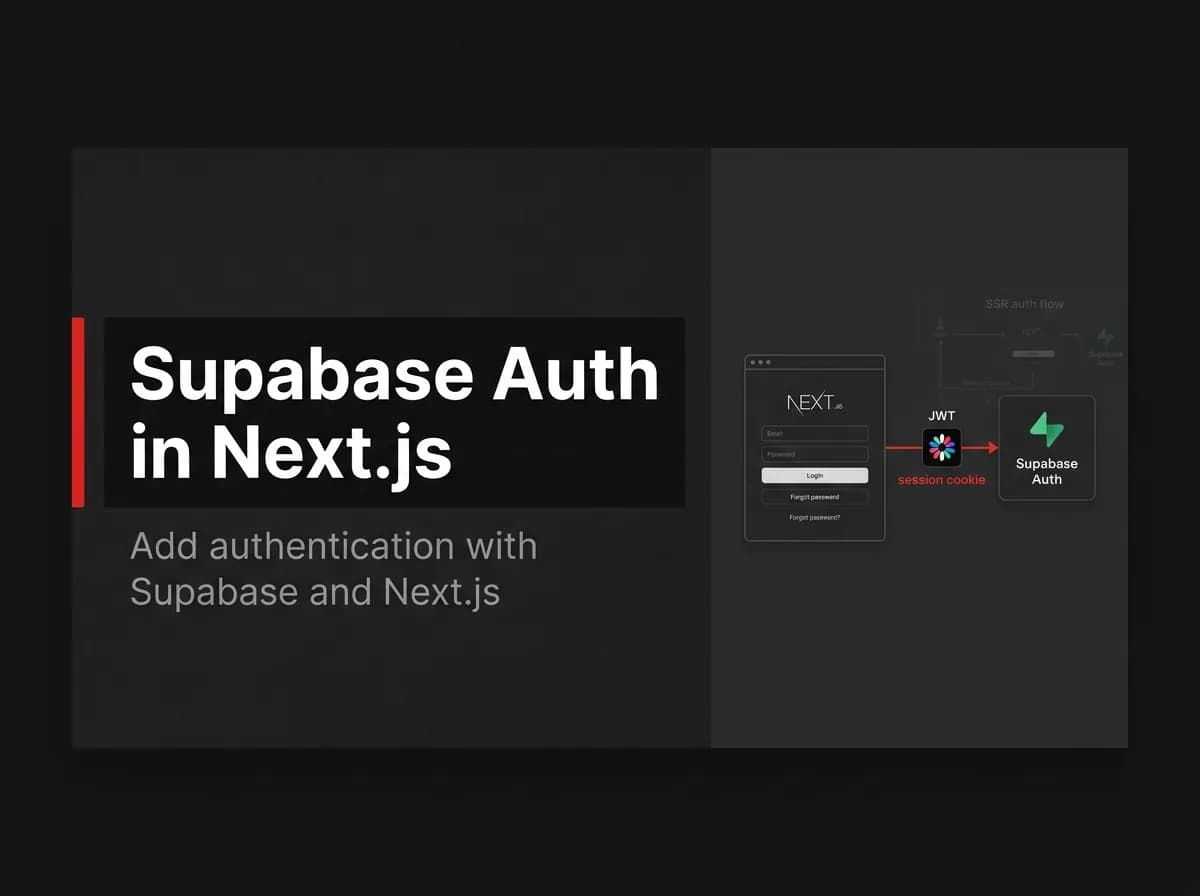
Next.js authentication with Supabase Auth is a clean path if you're already in the Supabase ecosystem. You get email/password, magic links, and OAuth configured quickly — and RLS enforces per-user data access at the database level. Here's the setup, plus the honest note about when owning your auth is the better call.
Quick Answer
To add authentication to Next.js with Supabase Auth, use the Supabase client to sign users up and in, read the session server-side with the SSR helpers to protect pages, and enforce row-level security (RLS) so users only access their own data. Supabase Auth issues and refreshes the tokens; your app reads the session and gates access. If you would rather own your auth, you do not need a provider at all.
What Supabase Auth gives you
Supabase Auth is the authentication service bundled with Supabase (managed PostgreSQL). It handles email/password, magic links, and OAuth providers, issues JWTs, and integrates with RLS so your database enforces per-user access.
Setup
// (untested-here)
import { createBrowserClient } from '@supabase/ssr';

export const supabase = createBrowserClient(
  process.env.NEXT_PUBLIC_SUPABASE_URL!,
  process.env.NEXT_PUBLIC_SUPABASE_ANON_KEY!
);
Sign up and sign in
// (untested-here)
await supabase.auth.signUp({ email, password });
await supabase.auth.signInWithPassword({ email, password });
Read the session server-side (SSR)
Use the server client to read the session in a Server Component or route so protected pages never flash unauthenticated content. Read the user from the session and redirect if it is missing — the same gate pattern as any auth system (see protect routes with middleware).
Protect data with RLS
Supabase enforces access in the database with row-level security policies. Write policies so a row is only readable/writable by its owner. RLS is what makes client-side queries safe.
When you might own auth instead
Supabase Auth is convenient if you are already on Supabase. But it ties auth to that platform. If you want to own your auth (sessions, OAuth, magic link) without a provider, that is a valid path — see Best Clerk alternatives and Better Auth vs Clerk.
How this maps to FastStaq
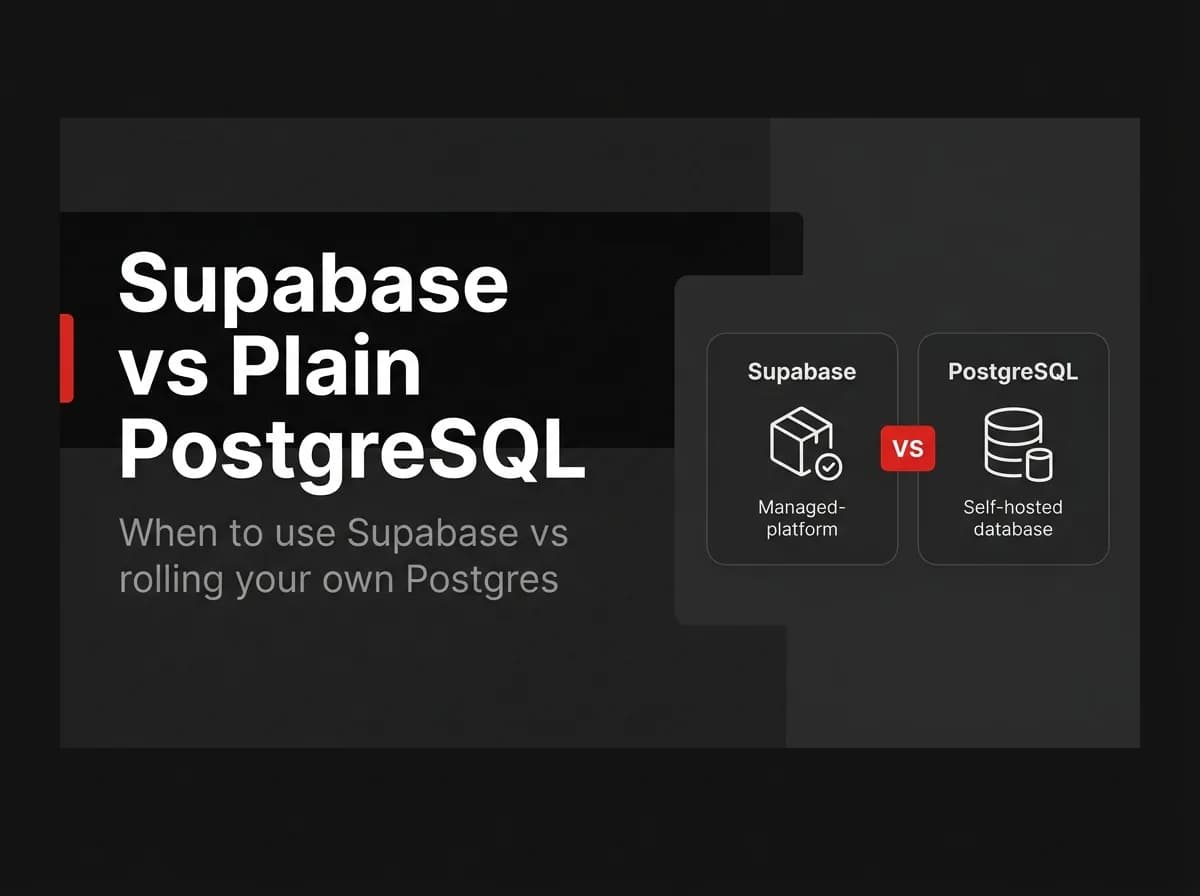
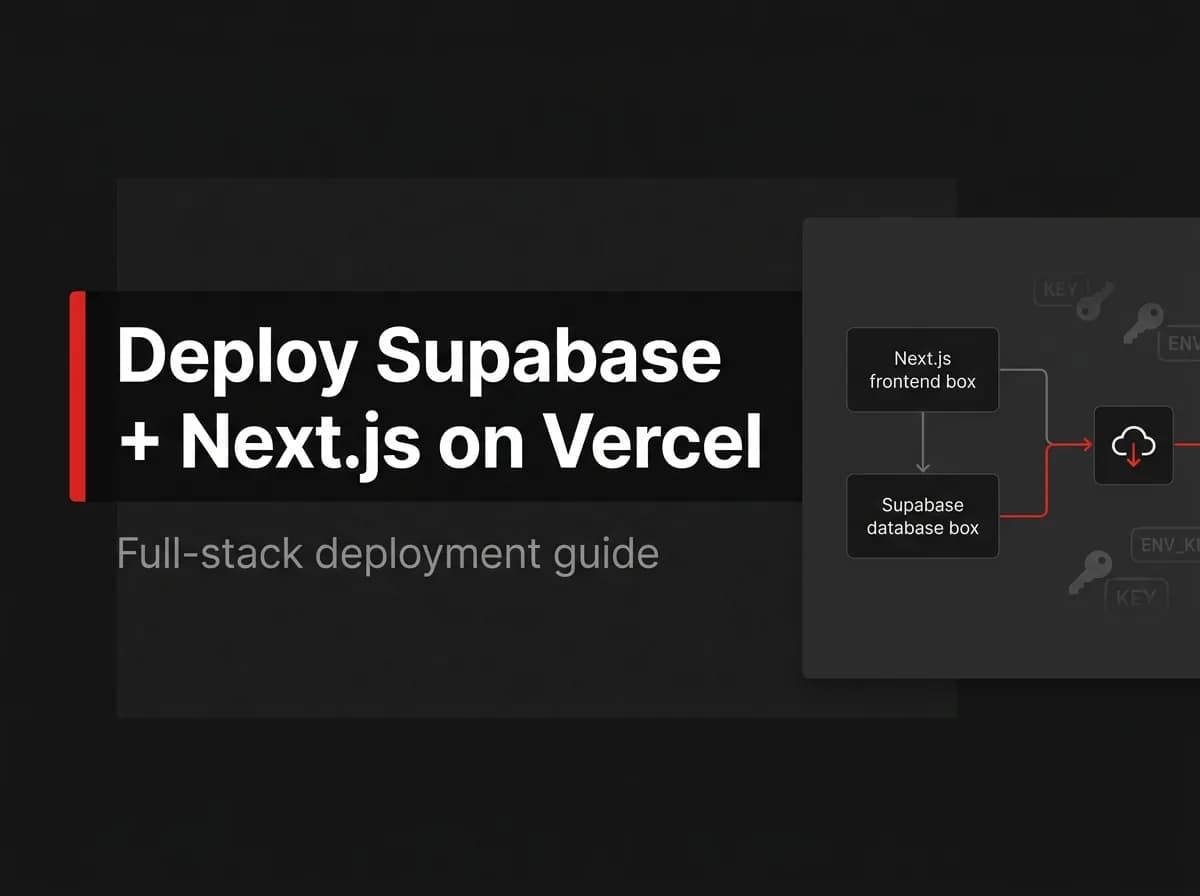
FastStaq is not built on Supabase Auth — it ships its own authentication (sessions, OAuth, magic link, 2FA, RBAC). Because FastStaq runs on PostgreSQL via Prisma, you can host its database on Supabase's managed Postgres by setting DATABASE_URL, but its auth stays its own. So this tutorial is for teams who specifically want Supabase Auth; FastStaq demonstrates the own-your-auth alternative. See the Supabase + Next.js guide and Supabase SSR with Next.js.
Frequently asked questions
Is Supabase Auth free? It is included with Supabase's tiers; verify current limits for your usage.
Do I still need RLS? Yes — RLS is what enforces per-user data access when clients query the database directly.
Does FastStaq use Supabase Auth? No — FastStaq ships its own auth; you can still run its Postgres on Supabase if you want.
Next steps
Read the Supabase + Next.js guide
Back to the Next.js authentication guide