SaaS Authentication Best Practices (2026)
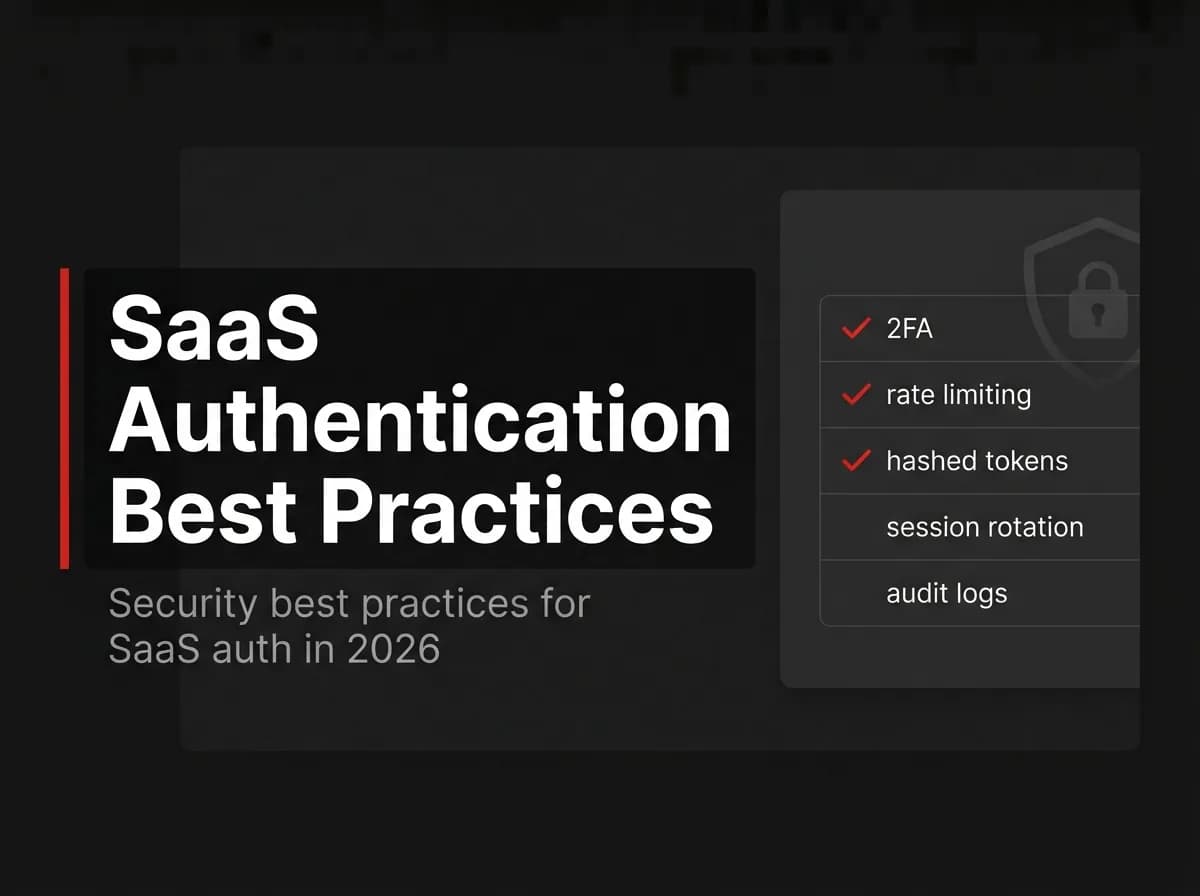
SaaS authentication best practices come down to a short, non-negotiable checklist. Hash passwords correctly, rotate tokens, enforce 2FA for privileged roles, apply least-privilege RBAC, lock down reset flows, and rate-limit everything. Miss one of these and you are handing attackers an open door. Here's the complete 2026 checklist — and how to verify you have each one covered.
Quick Answer
Solid SaaS authentication comes down to a short checklist: hash passwords with a slow algorithm (bcrypt or argon2), use short-lived sessions with refresh-token rotation, enforce two-factor authentication for sensitive roles, apply role-based access control with least privilege, secure your password-reset and email-verification flows, and rate-limit plus audit-log auth events. Get these right and you cover the large majority of real-world account-security risk.
The checklist
Hash passwords with bcrypt or argon2 (never plain or fast hashes).
Use short-lived access sessions plus rotating refresh tokens.
Offer and enforce 2FA for admins and sensitive actions.
Enforce RBAC with least-privilege roles.
Make password reset and email verification single-use and time-bound.
Rate-limit login and lock out after repeated failures.
Audit-log authentication and privilege changes.
Support trusted-device recognition to reduce friction safely.
Sessions and token rotation
Prefer short-lived sessions so a leaked token expires quickly, and rotate refresh tokens so a stolen refresh token cannot be replayed indefinitely. Invalidate sessions on password change and logout.
// untested-here - illustrative only
// Rotate the refresh token on every use; revoke the old one.
const rotated = await issueRefreshToken(userId);
await revokeRefreshToken(oldTokenId);
2FA and trusted devices
Two-factor authentication is the single highest-leverage control for account takeover. Enforce it for privileged roles, and use trusted-device recognition so users are not prompted on every login from a known device. See how to add 2FA to your SaaS.
RBAC and least privilege
Grant the minimum permissions each role needs, and check permissions on the server for every sensitive action — never trust the client. See role-based access control in Next.js.
Reset and verification flows
Password-reset and email-verification tokens should be single-use, short-lived, and unguessable, and reset should invalidate existing sessions. Magic-link login follows the same token-hygiene rules — see magic link authentication.
Rate-limiting and audit logging
Rate-limit authentication endpoints and lock accounts after repeated failures to blunt brute-force and credential-stuffing attacks. Audit-log logins, role changes, and resets so you can investigate incidents.
How this maps to FastStaq
FastStaq ships its own authentication that reflects these practices: sessions and refresh tokens, OAuth and magic-link login, 2FA, RBAC (UserRole, permissions, assignments), trusted-device support, and API keys. Because it is full source, you can audit and extend each control. See the Next.js authentication guide.
Frequently asked questions
What is the most important auth best practice? Enforcing 2FA on sensitive accounts and hashing passwords correctly — those prevent the most common takeovers.
Should I build auth myself? You can, but follow this checklist carefully; many teams adopt a full-source system (like FastStaq's) that already implements it.
How long should sessions last? Keep access sessions short and rely on rotating refresh tokens; exact durations depend on your risk profile.
Next steps
Read the Next.js authentication guide
Implement RBAC in Next.js