How to Build a Sign-In Page in Next.js
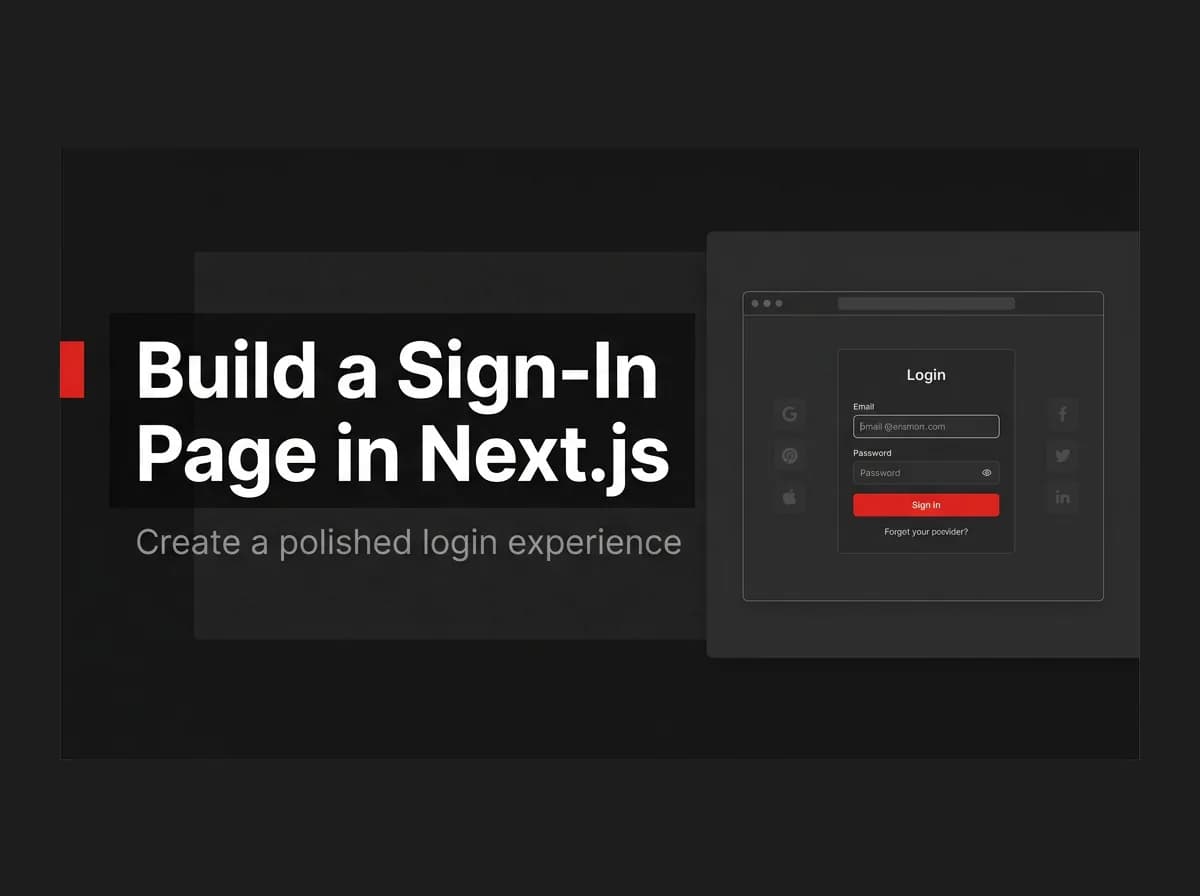
A sign-in page in Next.js is a "should be easy" problem that bites you on accessibility, safe redirects, and error handling. Get the form UI right, wire it to a real submit handler, and handle the edge cases — specifically, don't reveal whether an email exists on failure, and validate the redirect target to prevent open-redirect attacks. Here's the full build.
Quick Answer
Build a sign-in page by creating a form (email + password) in a Next.js route, submitting it to your auth handler, and redirecting to the dashboard on success while showing inline errors on failure. Keep the form accessible with proper labels and clear error text, and send users to a safe redirect target after login.
What we build
A sign-in page is the screen where a user enters credentials to start an authenticated session. We will build an accessible login form, wire it to a submit handler, and handle success and error states. This is the UI layer on top of the concepts in the Next.js authentication guide.
Prerequisites
A Next.js App Router app.
An auth endpoint (or server action) that verifies credentials and sets a session cookie.
Step 1: The form UI
Use real <label> elements and associate them with inputs. (Untested-here: illustrative.)
// app/login/page.tsx
'use client';
import { useState } from 'react';
import { signIn } from './actions';

export default function LoginPage() {
  const [error, setError] = useState('');
  return (
    <form
      action={async (formData) => {
        const res = await signIn(formData);
        if (res?.error) setError(res.error);
      }}
    >
      <label htmlFor="email">Email</label>
      <input
        id="email"
        name="email"
        type="email"
        required
        autoComplete="email"
      />

      <label htmlFor="password">Password</label>
      <input
        id="password"
        name="password"
        type="password"
        required
        autoComplete="current-password"
      />

      {error && <p role="alert">{error}</p>}
      <button type="submit">Sign in</button>
    </form>
  );
}
Step 2: Submit and validate
Handle the submit on the server, verify credentials, and return a typed error on failure instead of throwing.
// app/login/actions.ts
'use server';
import { redirect } from 'next/navigation';

export async function signIn(formData: FormData) {
  const email = String(formData.get('email'));
  const password = String(formData.get('password'));
  const ok = await verifyCredentials(email, password);
  if (!ok) return { error: 'Invalid email or password.' };
  await createSession(email);
  redirect('/dashboard');
}
Step 3: Handle success, redirect, and errors
On success, redirect to a safe target. If you accept a
redirectquery param, allow only same-site paths to avoid open-redirect attacks.On failure, show one generic message ("Invalid email or password") — do not reveal whether the email exists.
Accessibility
Every input has a visible, associated
<label>.Errors use
role="alert"so screen readers announce them.The submit button is a real
<button type="submit">.Inputs set
autoCompleteso password managers work.
Common issues
Redirect loops after login
Usually the session cookie is not set before the redirect, or middleware is re-checking a stale cookie. Set the cookie, then redirect.
Open redirect
Never redirect to an arbitrary URL from a query param. Validate it is a relative, same-site path.
How FastStaq helps
FastStaq ships a working sign-in page at /login with safe redirect handling, and supports email/password, Google OAuth, and magic-link login behind it — so you inherit a complete, accessible auth UI instead of building one.