How to Protect Routes with Next.js Middleware
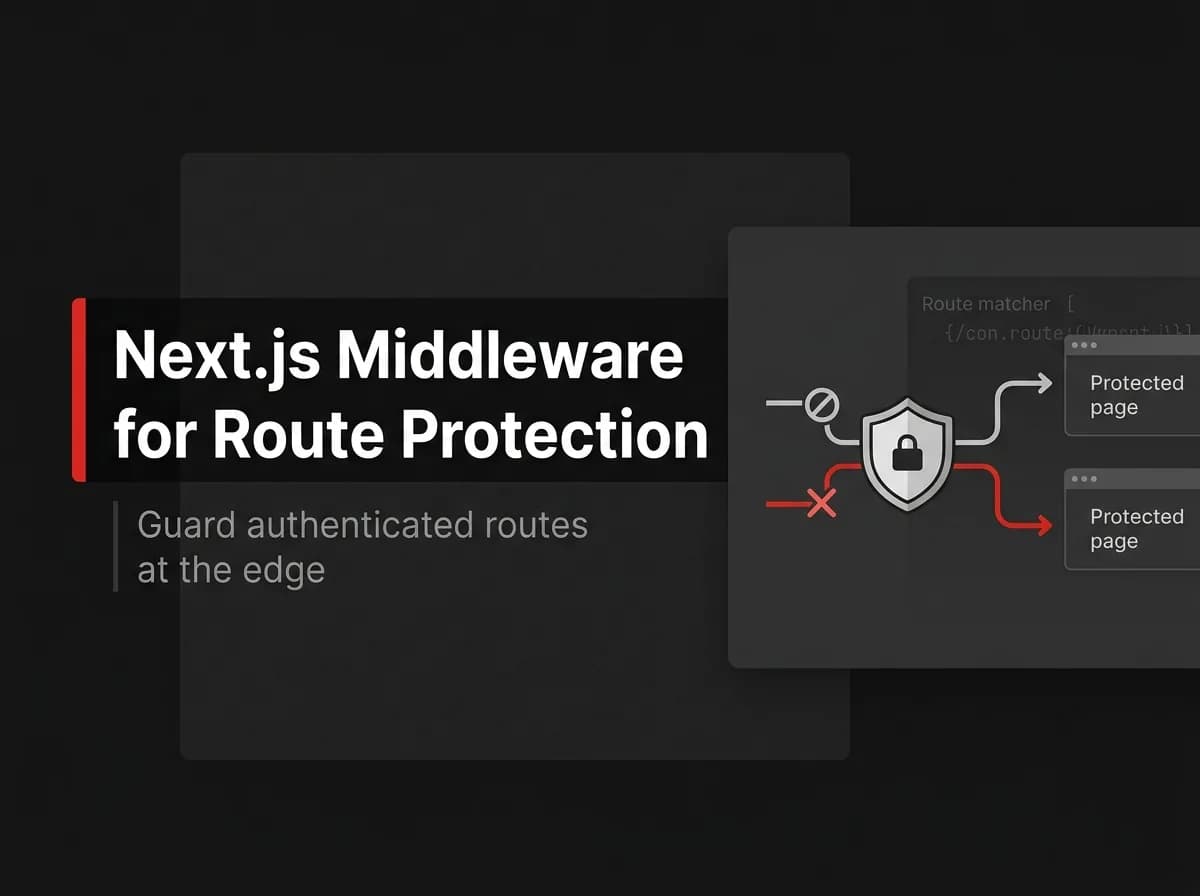
Next.js middleware is the correct place to protect routes — it runs before a request completes and can redirect unauthenticated users before any page renders. But here's what most tutorials miss: middleware is for coarse access checks, not your only defense. Fine-grained authorization still belongs on the server. Here's the full setup, including what not to do in middleware.
Quick Answer
To protect routes in Next.js, add a middleware.ts file at your project root, read the session or token from the request, and redirect unauthenticated users before the page renders. Middleware runs on every matched request at the edge, so it is the right place for coarse access checks (logged in or not, role gates) — while fine-grained checks still belong in your server code. Use a matcher to scope it to the routes you want to guard.
What Next.js middleware is
Middleware is code that runs before a request is completed. It sits between the request and your route, so you can rewrite, redirect, or block the request based on cookies, headers, or a session token. It is ideal for auth gates because the check happens before any protected page or layout renders.
A minimal protected-routes middleware
// middleware.ts (untested-here - verify in your project)
import { NextResponse } from 'next/server';
import type { NextRequest } from 'next/server';

export function middleware(req: NextRequest) {
  const session = req.cookies.get('session')?.value;

  if (!session) {
    const loginUrl = new URL('/login', req.url);
    loginUrl.searchParams.set('next', req.nextUrl.pathname);
    return NextResponse.redirect(loginUrl);
  }

  return NextResponse.next();
}

export const config = {
  matcher: ['/dashboard/:path*', '/settings/:path*'],
};
The matcher keeps middleware off public pages (home, blog, login) so you do not pay the check on every request.
Roles and authorization
Authentication answers "who are you?"; authorization answers "what may you do?". For role gates, decode the session/token in middleware and compare against the route. Keep the source of truth for roles on the server — middleware should trust a verified token, not re-implement your permission logic.
What middleware should not do
Do not run heavy database queries in middleware; it runs on every matched request.
Do not treat an edge check as your only defense. Always re-check auth in the route handler or server action that touches data.
Do not store secrets in the token payload; keep it minimal and signed.
How this maps to FastStaq
FastStaq protects access with its own session and role-based access control (RBAC) system rather than a rented auth provider. Sessions, refresh tokens, and a UserRole model plus UserRoleAssignment, Permission, and RolePermission define who can reach what, and the API enforces those checks server-side. The middleware pattern above is the general Next.js technique for the front end; FastStaq's authorization decisions live in its session + RBAC layer. See the Next.js authentication guide.
Frequently asked questions
Is middleware enough to secure my app? No. Use it for fast redirects and coarse gates, but always verify auth again where you read or write data.
Can middleware read my database? It can, but you should avoid it — middleware runs on every matched request and should stay fast. Verify a signed token instead.
How do I protect only some routes? Use the matcher in the exported config to scope middleware to specific path patterns.
Next steps
Read the Next.js authentication guide
Build a sign-in page in Next.js