How to Add Sentry Error Monitoring to Next.js
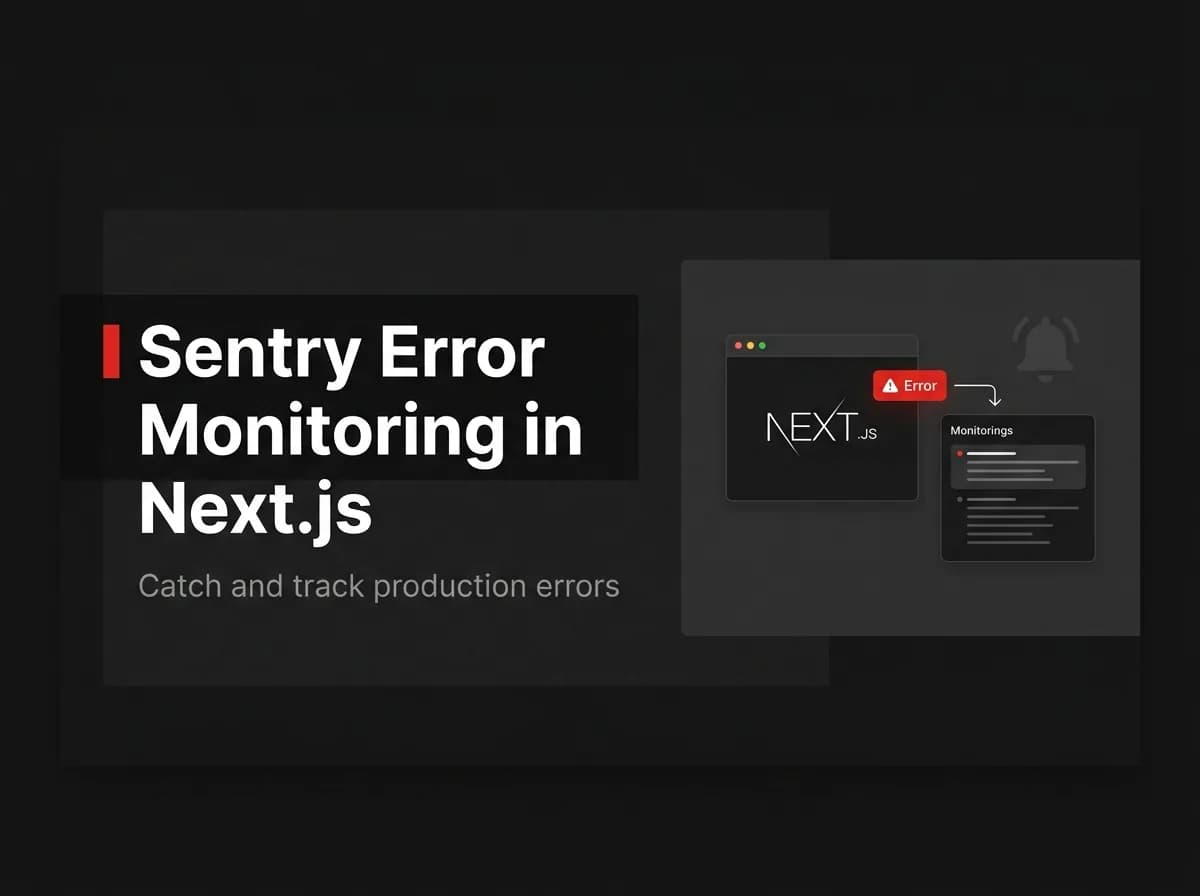
Adding Sentry error monitoring to Next.js takes about 15 minutes and immediately changes how you debug in production. Before Sentry, you're reading logs after users complain. After Sentry, you're seeing stack traces, user context, and error frequency before they complain. Here's the setup.
Quick Answer
To add Sentry to a Next.js app, install the Sentry SDK, run its setup wizard to add the client and server configs, set your DSN as an environment variable, and Sentry captures unhandled errors automatically. Upload source maps on build so stack traces are readable, and configure alerts so you hear about new issues fast.
What Sentry does
Sentry is an error-monitoring and performance service. It captures exceptions with stack traces, groups them into issues, and tells you how often and where they happen so you can fix the ones that matter.
Monitor | Why |
|---|---|
Unhandled exceptions | Crashes users actually hit |
API/server errors | Backend failures with context |
Performance traces | Slow routes and queries |
Release health | Errors introduced by a deploy |
Install and configure
Install the SDK and run its wizard, which adds client and server config files. Set your project DSN as an environment variable:
// (untested-here) sentry.client.config.ts
import * as Sentry from '@sentry/nextjs';
Sentry.init({ dsn: process.env.NEXT_PUBLIC_SENTRY_DSN, tracesSampleRate: 0.1 });
Capture client and server errors
With the configs in place, Sentry hooks into Next.js so both browser and server errors are reported automatically. You can also capture handled errors explicitly with Sentry.captureException.
Source maps and releases
Upload source maps during the build so production stack traces map back to your source. Tag each deploy as a release so Sentry can attribute new errors to the change that caused them.
Alerts
Configure alerts (email, Slack) for new or spiking issues so problems surface before users complain.
How this maps to FastStaq
To be clear: Sentry is not bundled with FastStaq. FastStaq ships structured logging and error handling, but it does not include Sentry — you add it yourself following the steps above if you want a hosted error-monitoring dashboard. The boilerplate's logging gives you a foundation; Sentry adds aggregation and alerting on top. See Next.js caching and the Supabase + Next.js guide.
Frequently asked questions
Does FastStaq include Sentry? No — it has structured logging/error handling; Sentry is an optional add-on you wire in yourself.
Why upload source maps? So production stack traces point to your original code instead of minified bundles.
How do I know which deploy caused an error? Tag releases so Sentry attributes new issues to the release that introduced them.
Next steps
Read Next.js caching
See the Next.js SEO checklist
Back to the Supabase + Next.js integration hub