How to Add Real-Time WebSockets to Next.js
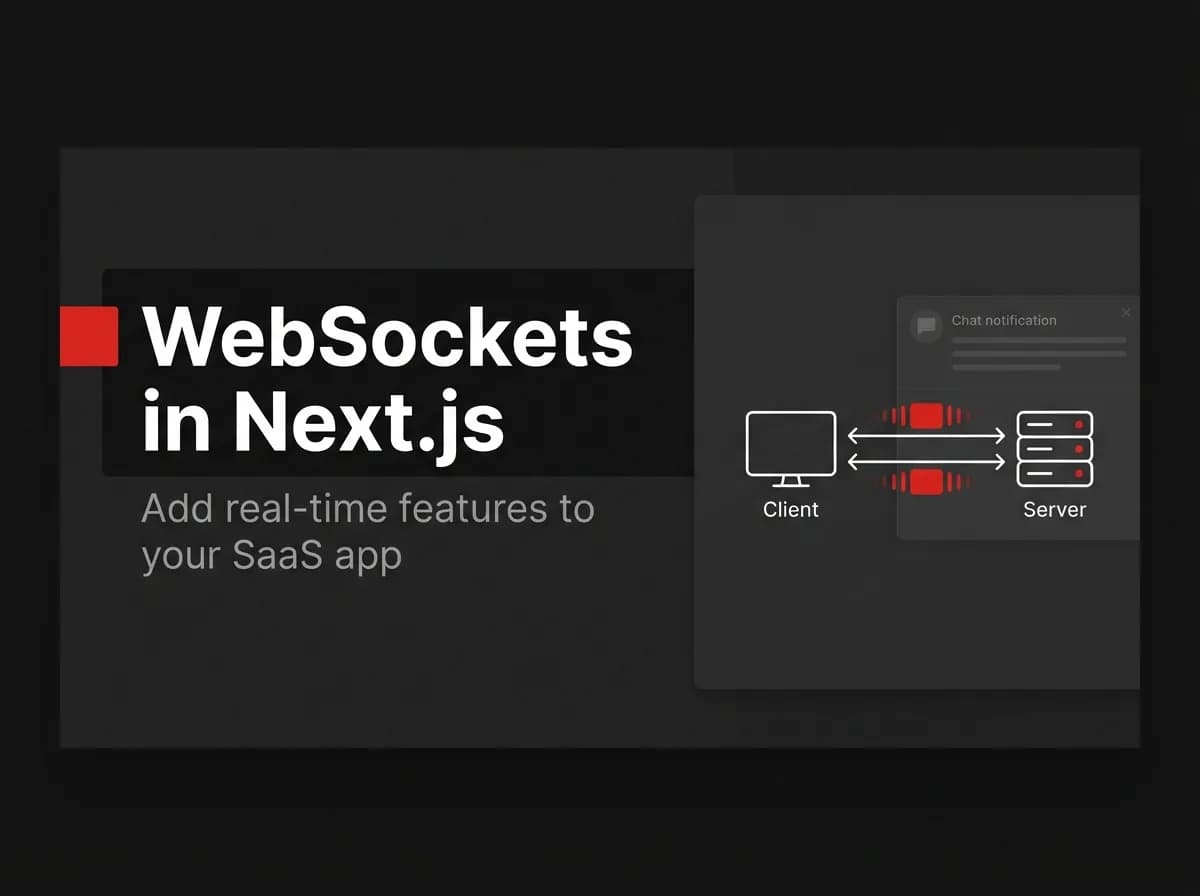
Adding real-time WebSockets to Next.js requires understanding one constraint upfront: serverless functions don't hold long-lived connections. Your WebSocket server needs to run as a persistent process — either alongside your app or as a separate service. Socket.IO with a Redis adapter is the standard approach. Here's the complete setup.
Quick Answer
To add real-time features to Next.js, run a WebSocket server (Socket.IO is the common choice) alongside your app, connect from the client, and emit/listen for events. Because serverless functions are short-lived, run the WebSocket server as a long-lived process (a custom Node server or a separate service), and use a Redis adapter when you run more than one instance so events reach clients on every server.
Why WebSockets (and where they run)
HTTP is request/response; WebSockets keep a connection open so the server can push updates (chat messages, notifications, live dashboards). The catch in Next.js: serverless deployments do not hold long-lived connections, so the socket server needs a persistent runtime — a custom server or a dedicated backend service.
A minimal Socket.IO setup
// server side (untested-here) - a long-lived Node process
import { Server } from 'socket.io';

const io = new Server(httpServer, { cors: { origin: process.env.APP_URL } });

io.on('connection', (socket) => {
  socket.on('message:new', (payload) => {
    io.to(payload.room).emit('message:new', payload);
  });
});
// client side (untested-here)
import { io } from 'socket.io-client';
const socket = io(process.env.NEXT_PUBLIC_WS_URL!);
socket.emit('message:new', { room: 'support-42', text: 'Hello' });
socket.on('message:new', (msg) => console.log(msg));Scaling across multiple instances
With more than one server instance, a client connected to server A will not receive an event emitted on server B — unless the servers share a backplane. The standard fix is a Redis adapter (pub/sub), which broadcasts events across all instances so every connected client gets them.
How this maps to FastStaq
FastStaq already implements real-time this way: it uses Socket.IO with a Redis pub/sub adapter to power live chat and the notification bell, and the Redis adapter lets events fan out across replicas. The realtime layer runs on the server side (the dedicated Express API), not in a serverless function — which is exactly the architecture this guide recommends. See how to build API routes in Next.js and the Supabase + Next.js guide.
Frequently asked questions
Can I use WebSockets on Vercel? Not for long-lived connections in serverless functions — run the socket server as a persistent process or separate service.
Do I need Redis? Only when you run more than one server instance; the Redis adapter keeps events consistent across them.
Socket.IO or raw WebSockets? Socket.IO adds reconnection, rooms, and the Redis adapter, which most apps want; raw WebSockets are lighter but lower-level.