How to Self-Host Next.js on Your Own Server
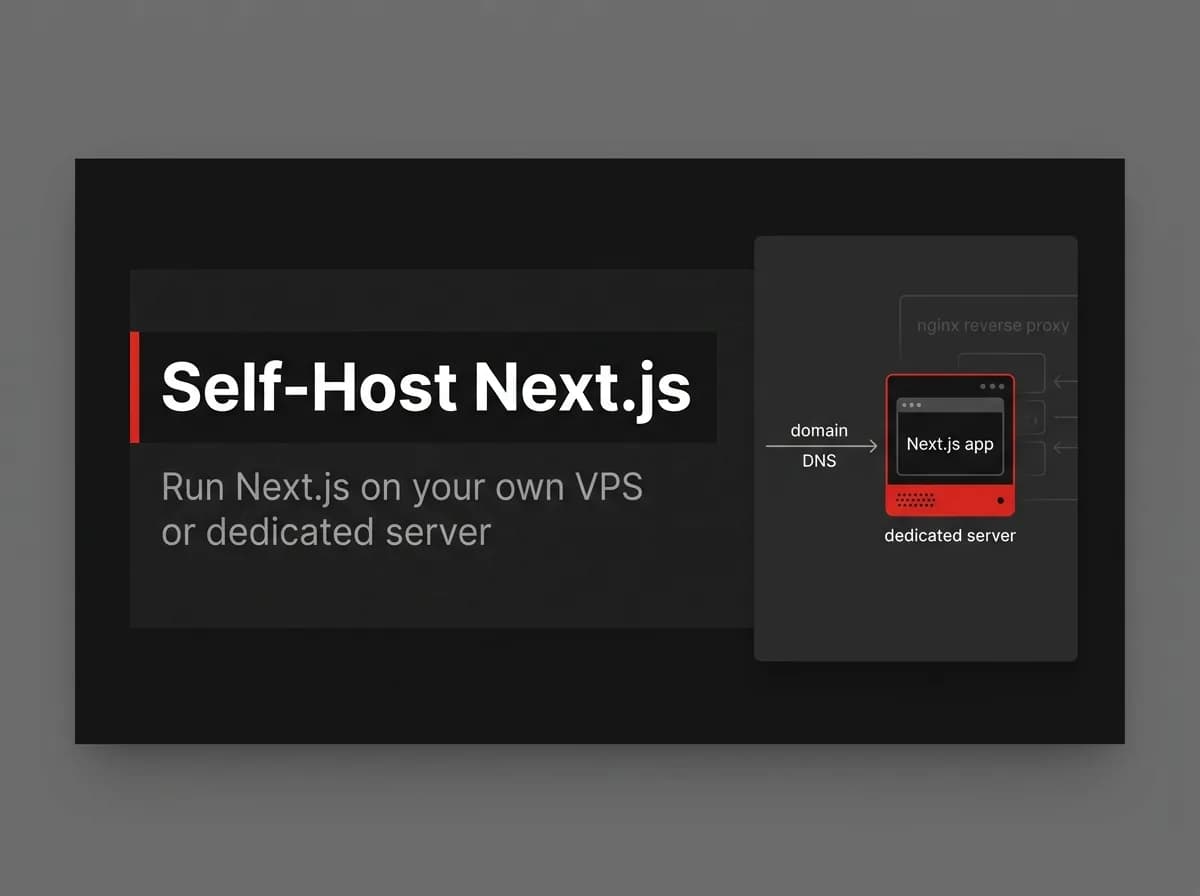
Self-hosting Next.js gives you full infrastructure control and predictable costs at scale — no per-usage fees, no platform lock-in, no "contact us for enterprise pricing." The tradeoff is clear: you run the infrastructure yourself. Here's how to self-host Next.js on a VPS, from Docker image to reverse proxy, without overcounting the setup effort.
Quick Answer
To self-host a Next.js app, build it into a production Docker image, run that image on your own server or VPS, and put a reverse proxy (Nginx or Caddy) in front for TLS and routing. Manage it with your container runtime so it restarts on failure and on reboot. You trade the convenience of a managed platform for full control and no per-platform fees.
Why self-host
Reason | Self-host | Managed platform |
|---|---|---|
Control over infra | Full | Limited |
Cost at scale | Predictable server cost | Per-usage / per-seat fees |
Data locality | You choose the region/provider | Platform's regions |
Ops effort | You run it | Mostly handled |
Self-hosting means running your app on infrastructure you control instead of a managed platform.
Build a production image
Create a production Docker image of your Next.js app (multi-stage build, standalone output). The image is the unit you ship to any server.
# (untested-here) illustrative production stage
FROM node:20-alpine AS runner
WORKDIR /app
COPY --from=builder /app/.next/standalone ./
EXPOSE 3000
CMD ["node", "server.js"]
Run on a VPS
Copy the image to your server (or pull from a registry) and run it. Use Docker Compose if you also run a database and cache alongside the app.
# (untested-here)
docker run -d -p 3000:3000 --env-file .env --restart unless-stopped my-app:latest
Reverse proxy and TLS
Put Nginx or Caddy in front to terminate TLS (Let's Encrypt), route your domain to the container, and handle gzip/HTTP2. Caddy issues certificates automatically — it's the simpler path if you're not already on Nginx.
Process management and restarts
Use the container runtime's restart policy (--restart unless-stopped) so the app comes back after crashes and reboots. For multi-service setups, Compose keeps everything running together.
How this maps to FastStaq
Self-hosting is where FastStaq shines: it is a Dockerized monorepo (Next.js client + Express server) designed to deploy on your own server or VPS, with no platform lock-in. You run the same container in development and production. See how to Dockerize a Next.js app and compare Vercel alternatives and deploying to Vercel.
Frequently asked questions
Do I need Docker to self-host? It is the simplest path — the image runs the same anywhere — but you can also run the Node build directly behind a process manager.
How do I get HTTPS? Use a reverse proxy like Caddy (automatic certificates) or Nginx with Let's Encrypt.
How does this compare to Vercel? You get full control and predictable cost at the price of running the infrastructure yourself — see the Vercel alternatives guide.
Next steps
Compare Vercel alternatives
Back to the Next.js Docker deployment guide