How to Dockerize a Next.js App (Production Guide)
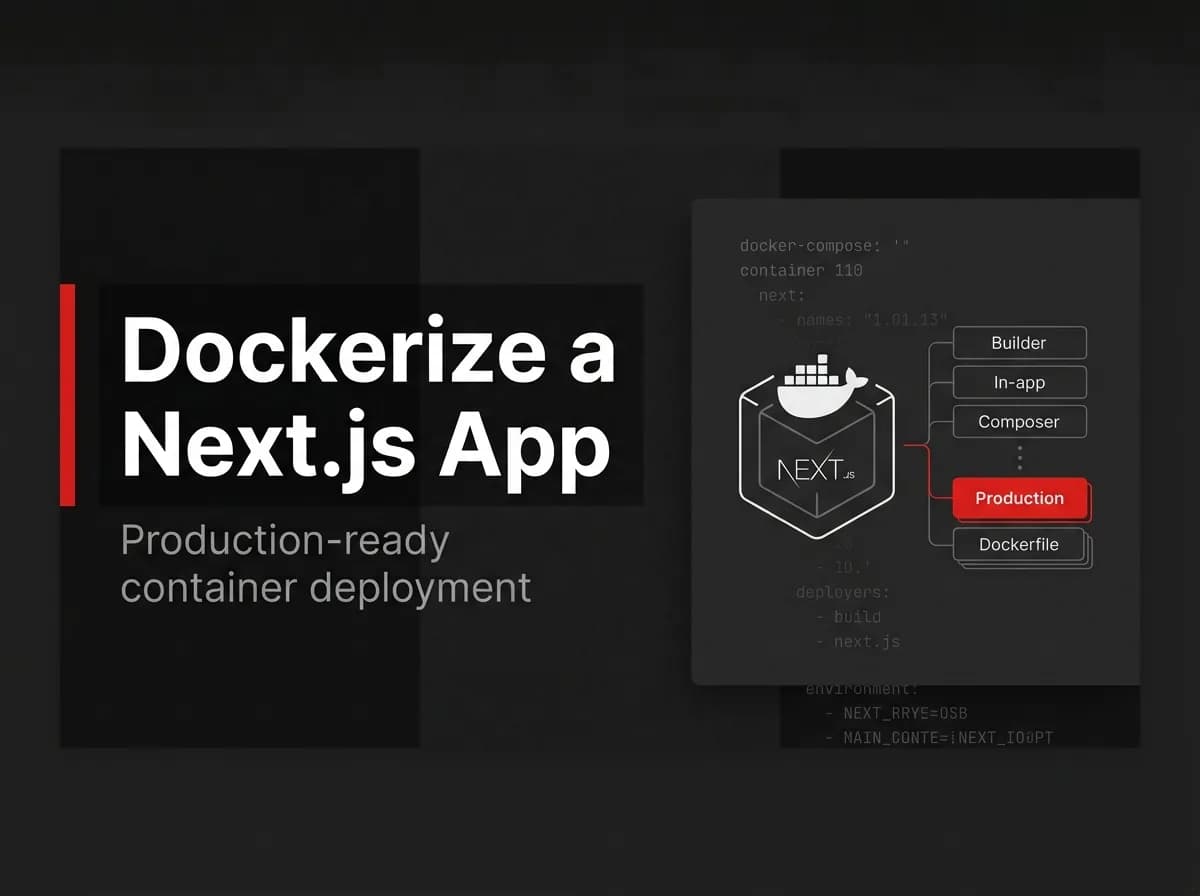
Vercel is great until the bill or the vendor lock-in stops feeling optional. At that point, most teams look at Docker, hit "it builds," and stop. That's the easy 80%. This guide covers the other 20%: a Next.js Docker setup that's small, runs as a non-root user, has a real healthcheck, and talks to Postgres through docker-compose.
You'll leave with a working Dockerfile and compose file you can copy into your own repo, plus an explanation of each layer so you can adapt them.
Quick answer
To dockerize a Next.js app for production, set output: 'standalone' in next.config.js, then write a multi-stage Dockerfile that installs dependencies in one stage, builds in a second, and copies only the standalone output into a slim, non-root runtime image. Wire it to PostgreSQL with docker-compose, add a healthcheck, and you have a production-ready foundation instead of a 1 GB image running as root.
Dockerizing a Next.js app means packaging the app and its runtime into a container image that runs the same way on your laptop, your CI runner, and your VPS.
Prerequisites
Docker installed (Docker Desktop or Docker Engine on Linux), version 24 or newer.
An existing Next.js App Router project.
About 15 minutes.
You don't need a Kubernetes cluster or a registry account to follow along. Everything here runs locally first.
Step 1: Enable standalone output
Open next.config.js and add the output key:
js
// next.config.js
/** @type {import('next').NextConfig} */
const nextConfig = {
  output: 'standalone',
};

module.exports = nextConfig;
Note: Standalone output works by tracing every page's actual imports and copying only those files, plus a minimal
server.js, into.next/standalone. You skip shipping the fullnode_modulesfolder, which is where most of a naive Next.js image's weight comes from.
Standalone output does not copy your public/ folder or .next/static/ automatically. You'll copy both explicitly in the Dockerfile below, so this is a one-line config change, not the whole fix.
Step 2: Write the multi-stage Dockerfile
Create a file named Dockerfile in your project root:
dockerfile
# Dockerfile
# ---- Stage 1: install dependencies ----
FROM node:24-alpine AS deps
RUN apk add --no-cache libc6-compat
WORKDIR /app
COPY package.json package-lock.json ./
RUN npm ci

# ---- Stage 2: build the app ----
FROM node:24-alpine AS builder
WORKDIR /app
COPY --from=deps /app/node_modules ./node_modules
COPY . .
ENV NEXT_TELEMETRY_DISABLED=1
RUN npm run build

# ---- Stage 3: run the app ----
FROM node:24-alpine AS runner
WORKDIR /app
ENV NODE_ENV=production
ENV NEXT_TELEMETRY_DISABLED=1

RUN addgroup --system --gid 1001 nodejs \
  && adduser --system --uid 1001 nextjs

COPY --from=builder /app/public ./public
COPY --from=builder --chown=nextjs:nodejs /app/.next/standalone ./
COPY --from=builder --chown=nextjs:nodejs /app/.next/static ./.next/static

USER nextjs
EXPOSE 3000
ENV PORT=3000

HEALTHCHECK --interval=30s --timeout=3s --start-period=10s \
  CMD wget -qO- http://localhost:3000/api/health || exit 1

CMD ["node", "server.js"]
Three stages, three jobs. deps installs packages with npm ci so builds are reproducible off the lockfile. builder runs npm run build, producing the standalone output from Step 1. runner is the one that ships: a clean Alpine image, only the traced app files, a dedicated nextjs system user, and a switch to that user before the container runs your code.
libc6-compat is there because some native npm packages (image processing libraries are the usual suspect) expect glibc, and Alpine ships musl instead. Drop it if your app has no native modules.
node:24-alpine is the current Active LTS line as of mid-2026. node:22-alpine (still in maintenance support) works too if you're standardizing on the older line for now; pin the version consistently across all three stages either way.
Step 3: Add .dockerignore
Without this file, Docker copies your entire project directory into the build context, including node_modules and .git, which slows every build and can leak secrets into layers.
node_modules
.next
.git
.env
.env*.local
npm-debug.log
Dockerfile
.dockerignore
README.md
Pro tip: Write
.dockerignorebefore your firstdocker build, not after you notice the build is slow. A stray.envfile copied into an image layer stays there even if you delete it in a laterRUNstep, since Docker layers are immutable.
Step 4: Build and run
Build the image and tag it something identifiable:
bash
docker build -t my-nextjs-app:local .Run it, mapping the container's port 3000 to your host:
bash
docker run -p 3000:3000 my-nextjs-app:localVerify it worked:
bash
curl -I http://localhost:3000You should get a 200 OK. Then check the image size:
bash
docker images my-nextjs-app:localStandalone output typically cuts a Next.js image down dramatically compared to shipping the full node_modules folder, since only traced dependencies make it into the final layer instead of everything in your lockfile. Your exact number depends on your dependency tree, so treat the docker images output as the source of truth for your app, not a number from a blog post.
Step 5: docker-compose with PostgreSQL
Most Next.js apps aren't standalone; they talk to a database. Here's a compose file that runs the app alongside Postgres, waits for the database to actually be ready, and keeps data in a named volume:
yaml
# docker-compose.yml
services:
  app:
    build: .
    ports:
      - "3000:3000"
    environment:
      DATABASE_URL: postgres://appuser:apppass@db:5432/appdb
      NODE_ENV: production
    depends_on:
      db:
        condition: service_healthy
    restart: unless-stopped

  db:
    image: postgres:16-alpine
    environment:
      POSTGRES_USER: appuser
      POSTGRES_PASSWORD: apppass
      POSTGRES_DB: appdb
    volumes:
      - pgdata:/var/lib/postgresql/data
    healthcheck:
      test: ["CMD-SHELL", "pg_isready -U appuser -d appdb"]
      interval: 5s
      timeout: 5s
      retries: 5
    restart: unless-stopped

volumes:
  pgdata:
depends_on with condition: service_healthy means the app service won't start until Postgres's own healthcheck passes, not just until the container exists. That distinction is the difference between "works on my machine" and a real startup-order bug in production.
Warning: Any environment variable prefixed
NEXT_PUBLIC_gets baked into your client-side JavaScript bundle at build time, not read at container start. If you setNEXT_PUBLIC_API_URLdifferently per environment, you need to pass it as a Docker build argument and rebuild the image per environment, not swap it indocker-compose.ymlat runtime. Server-only variables likeDATABASE_URLdon't have this problem; they're read when the container starts.
Production hardening checklist for Next.js Docker deployments
Getting docker build to succeed is step one. Before this runs anywhere real, work through:
Healthcheck endpoint: the
HEALTHCHECKin Step 2 assumes a route at/api/healthreturning 200 when the app can serve traffic. Add one if you don't have it.Restart policy:
restart: unless-stoppedrecovers from crashes without fighting intentional stops.Resource limits: set
mem_limitandcpuson both compose services so one runaway process can't starve the host.Image tagging strategy: tag by git SHA or semver.
:latestin production makes rollbacks a guessing game.Build in CI, not on the server: build in your CI pipeline, push to a registry, pull on deploy. A production box shouldn't hold your build tools and source.
Secrets stay out of the image: pass secrets as runtime environment variables or a secrets manager, never as
ARGvalues.docker historycan reveal build-arg values even after a later stage "removes" them.
Troubleshooting
Native module errors on Alpine (often sharp or similar). Alpine uses musl instead of glibc, which breaks some native npm packages. Add RUN apk add --no-cache libc6-compat to the stage that installs dependencies, or switch that stage's base image to node:24-slim (Debian-based) if the issue persists.
Environment variable is undefined at runtime. If it's a NEXT_PUBLIC_ variable, it needed to be present at build time as a build argument, not set later in compose. See the Warning in Step 5.
Image is still huge. Confirm output: 'standalone' is actually in next.config.js and that your Dockerfile copies from .next/standalone, not the full project directory. A missed standalone config is the most common cause of a multi-gigabyte Next.js image.
"Port is already allocated." Another container or local process is already bound to 3000. Run docker ps to find the conflicting container, or map to a different host port with -p 3001:3000.
How FastStaq fits
If you're building this for a SaaS product rather than a single app, containerizing the frontend is one piece of a bigger picture: you still need Postgres, background workers, auth, and billing wired together correctly. FastStaq's Express server already ships a production Dockerfile.server, built around the same Postgres-via-Prisma and Redis-plus-BullMQ pattern this guide's compose file demonstrates for a single app. [VERIFY: whether the current FastStaq repo also includes a docker-compose file covering the full stack, and a client-side Dockerfile, before publishing this claim more specifically.]
If you're starting a new SaaS from scratch, that's 350+ hours of this kind of infrastructure work already done, with 76 Prisma data models and 120+ passing tests behind it, for a one-time $299 license instead of a subscription.
FAQ
Does Next.js work with Docker? Yes. Next.js has supported containerized deployment since the standalone output feature landed in Next.js 12, and it's a common path for teams self-hosting instead of using Vercel. The App Router fully supports output: 'standalone'.
What image size should I expect for a dockerized Next.js app? It depends heavily on your dependencies, but standalone output plus an Alpine base typically produces something in the low hundreds of megabytes rather than the 1 GB-plus you'd get from copying the whole node_modules folder. Run docker images after your own build to get your real number.
Vercel vs self-hosting with Docker: which should I use? Vercel trades setup time for a managed platform fee and some vendor lock-in; self-hosting with Docker trades a bit of upfront setup for control over cost and infrastructure. If you're pre-revenue and want to ship fast, Vercel's free tier is hard to beat. Once you have paying customers and predictable traffic, a VPS running this Dockerfile often costs less.
Do I need standalone output mode? Technically no, next start works without it, but skipping it means shipping your entire node_modules folder in the image. For a production container, standalone output is the difference between a lean image and a bloated one.
How do I handle environment variables in a dockerized Next.js app? Split them by type. Server-only variables (database URLs, API keys) go in docker-compose.yml or your platform's secrets manager and are read at container start. NEXT_PUBLIC_ variables must be passed as Docker build arguments and are locked in at build time, so each environment needs its own build if those values differ.
Where to go next
You now have a multi-stage Dockerfile that produces a small, non-root Next.js image, a .dockerignore that keeps your build context clean, and a docker-compose file that brings Postgres up in the right order with a real healthcheck. The production hardening checklist above is what separates "it runs" from "it runs unattended at 3 a.m." Next, work through image tagging and CI build automation before your first real deploy.
If you're deciding between building this yourself and starting from a working foundation, the SaaS boilerplate overview covers what FastStaq ships beyond containerization, and the Next.js plus Supabase guide is the one to read next if you're weighing managed Postgres against self-hosting it in this same compose file. FastStaq ships this containerization already done: see the current setup on faststaq.com.