How to Build API Routes in Next.js
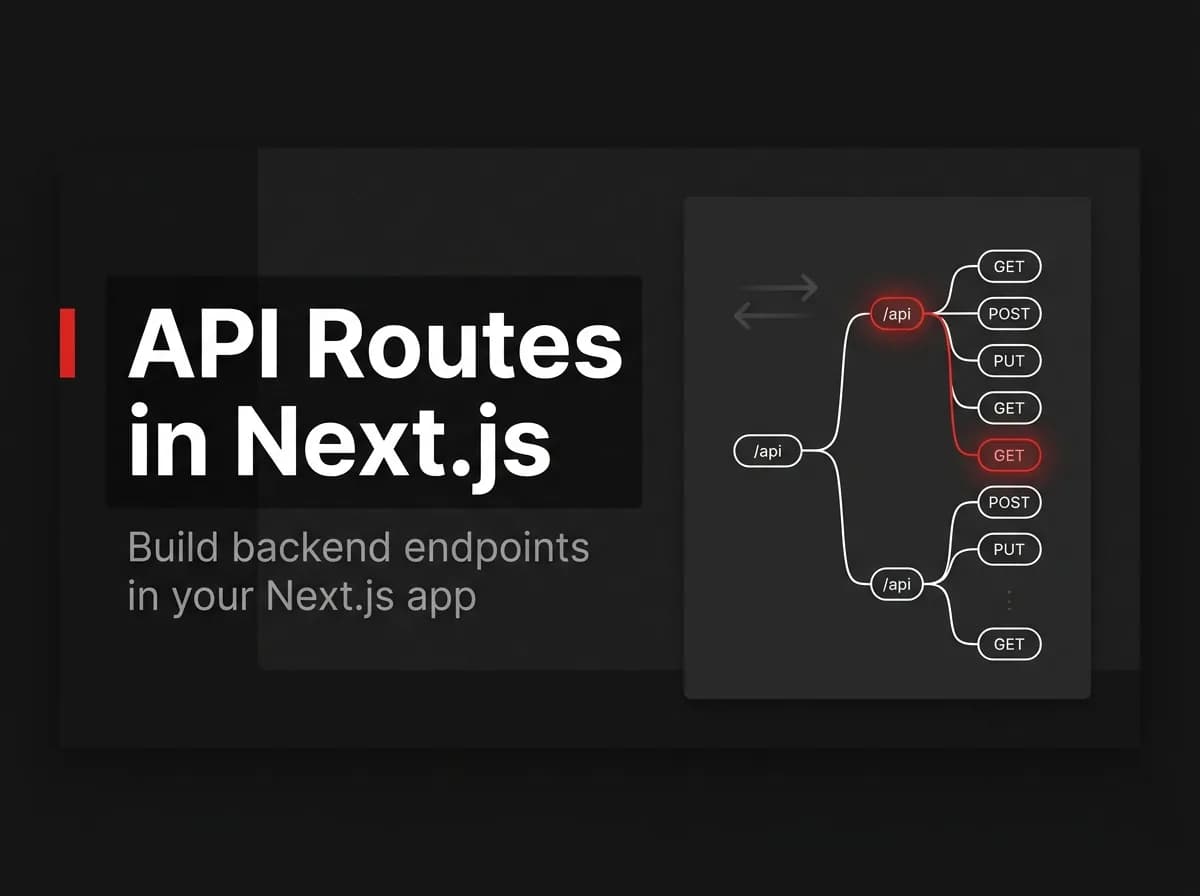
In the Next.js App Router, you build an API route by adding a route.ts file inside the app/api folder and exporting async functions named after HTTP methods, like GET or POST. Each function receives a Request and returns a Response. That's enough for light backend logic like form submissions or webhooks. For a large, always-on API with background jobs, you're usually better off with a dedicated server.
A Next.js API route (officially called a route handler) is a server-side endpoint defined by a route.ts file. Your frontend, a mobile app, or a third-party service can call it like any other REST endpoint.
Prerequisites
A Next.js project on version 13 or later, using the App Router (an
app/folder, notpages/).Node.js installed locally.
Basic TypeScript or JavaScript, since route handlers are just exported functions.
If your project still uses the pages/ directory, you're looking for the older Pages Router API routes convention, not this one. The two aren't interchangeable.
What a route handler actually is
A route handler is a route.ts (or route.js) file that exports one function per HTTP method it supports: GET, POST, PUT, PATCH, DELETE, HEAD, or OPTIONS. Next.js maps the file's folder path to the URL. app/api/tasks/route.ts becomes the endpoint /api/tasks.
Under the hood, route handlers use the standard Web Request and Response objects, the same ones browsers use, not something Next.js invented. That means you can test them with plain fetch calls and reuse the same mental model across projects.
Note: A
route.tsfile can't share a folder with apage.tsxfile at the same segment. Next.js throws a build error if you try, since a route can serve either UI or an API response, not both.
Step 1: Build a GET route handler
Create app/api/tasks/route.ts and export an async GET function:
typescript
// app/api/tasks/route.ts
export async function GET() {
  const tasks = await db.task.findMany();
  return Response.json(tasks);
}
Visiting /api/tasks now returns a JSON array. Response.json() sets the Content-Type header for you and serializes the body, so you don't need to hand-roll JSON.stringify calls.
This snippet assumes a db client is already configured (Prisma, Drizzle, whatever you're using) and is untested in this environment. Verify it against your own setup before shipping it.
Step 2: Add a POST handler with validation
Add a POST export to the same file to handle creation:
typescript
// app/api/tasks/route.ts
export async function POST(request: Request) {
  const body = await request.json();

  if (!body.title || typeof body.title !== 'string') {
    return Response.json(
      { error: 'title is required and must be a string' },
      { status: 400 }
    );
  }

  const task = await db.task.create({
    data: { title: body.title },
  });

  return Response.json(task, { status: 201 });
}
request.json() parses the request body directly, no body-parser middleware needed. That's a real difference from older Express-style setups, where you'd wire up parsing middleware before your routes could read anything.
Pro tip: Validate before you touch the database, not after. It's cheaper to reject bad input with a 400 than to catch a database constraint error and translate it into something readable for the client.
For anything beyond a couple of fields, hand-written checks like the one above get tedious. A schema library such as Zod handles this more cleanly, but that's a separate install and a separate decision, not something route handlers require.
Step 3: Handle dynamic params
For a single-resource endpoint like /api/tasks/123, create app/api/tasks/[id]/route.ts:
typescript
// app/api/tasks/[id]/route.ts
export async function GET(
  request: Request,
  { params }: { params: Promise<{ id: string }> }
) {
  const { id } = await params;
  const task = await db.task.findUnique({ where: { id } });

  if (!task) {
    return Response.json({ error: 'Task not found' }, { status: 404 });
  }

  return Response.json(task);
}
Since Next.js 15, params is a Promise, not a plain object. If you're following an older tutorial that destructures params.id directly without await, it will throw a runtime warning on current versions. Await it first, every time.
Untested in this environment; confirm the await params pattern matches the Next.js version you're actually running.
When to use a separate backend instead
Route handlers are convenient, but they're not a full backend. Here's a plain comparison:
Next.js Route Handlers | Dedicated Backend (e.g., Express) | |
|---|---|---|
Best for | CRUD endpoints, form submissions, simple webhooks | Background jobs, WebSockets, long-running processes |
Scaling | Deploys and scales with your Next.js app | Scales as its own service |
Runtime | Node or Edge, configured per route | Full Node runtime, fully under your control |
Extra infra | None | A separate service to deploy, monitor, and version |
I'd reach for route handlers first on almost any project: they're zero extra infrastructure, and you can always split things out later. Where they get uncomfortable is background work. A route handler runs for the duration of a request; it isn't built to hold a persistent WebSocket connection or process a queue in the background. Once you need a worker that outlives the HTTP request, or a service that scales independently from your frontend deploys, a separate backend earns its complexity.
Common issues
Assuming GET is cached. In earlier Next.js versions, GET route handlers were cached by default. In the current App Router, they are not cached unless you opt in with
export const dynamic = 'force-static'. If your tutorial says otherwise, it's out of date.Skipping the
awaitonparams. Covered above, but it's the single most common upgrade break developers hit moving to Next.js 15+.Returning a plain object instead of a
Response. A route handler must return aResponse(orNextResponse). Returning raw data silently breaks the endpoint.No status codes on errors. Returning
200for a validation failure makes client-side error handling unnecessarily fragile. Set the status explicitly, as in the POST example above.
How FastStaq handles this differently
Worth being direct about this one: FastStaq's API is not built with Next.js route handlers. It's a dedicated Express service in server/, running as its own REST API alongside the Next.js frontend in client/.
That's a deliberate split, not an oversight. FastStaq runs background workers on Redis and BullMQ for emails, scheduled jobs, and webhook delivery, the kind of long-running, always-on processing that doesn't fit well inside a request-scoped route handler. Its billing module also handles idempotent webhook processing with event ledgers for deduplication, replay-safe webhooks that need to keep running independently of any single frontend request.
If you're weighing route handlers against a dedicated backend for your own project, that's roughly the line: light, request-scoped logic stays in route handlers; anything that needs to run in the background or scale on its own goes in a separate service.
FAQ
What's the difference between a route handler and an API route?
"API route" is the general term; "route handler" is what Next.js specifically calls the App Router implementation, defined in route.ts files. The Pages Router used a different convention (files under pages/api/) that's now considered legacy.
How do you handle a POST request in Next.js?
Export an async POST function from a route.ts file, read the body with await request.json(), validate it, then return a Response with an appropriate status code, as shown in Step 2 above.
Can route handlers use dynamic route segments?
Yes. A folder like [id] in the file path becomes a dynamic segment, accessible through the params argument. Since Next.js 15, params is a Promise you need to await.
Are Next.js route handlers cached by default?
No, not in current versions. You opt into caching a GET handler explicitly with export const dynamic = 'force-static'.
Should I still use Express with Next.js?
Only if you need something route handlers aren't built for: background workers, persistent connections, or a backend that scales independently of your frontend. For straightforward CRUD, route handlers are usually enough.
Where to go next
Route handlers cover most of what a growing SaaS app needs: a route.ts file, functions named after HTTP methods, and native Request/Response objects. Reach for a separate backend once you hit background jobs, WebSockets, or independent scaling, not before.
If you're deciding this for a real product rather than a side project, it's worth seeing how a production app actually splits the two.
Further reading: Next.js Route Handlers documentation