How to Use Next.js Standalone Output for Smaller Images
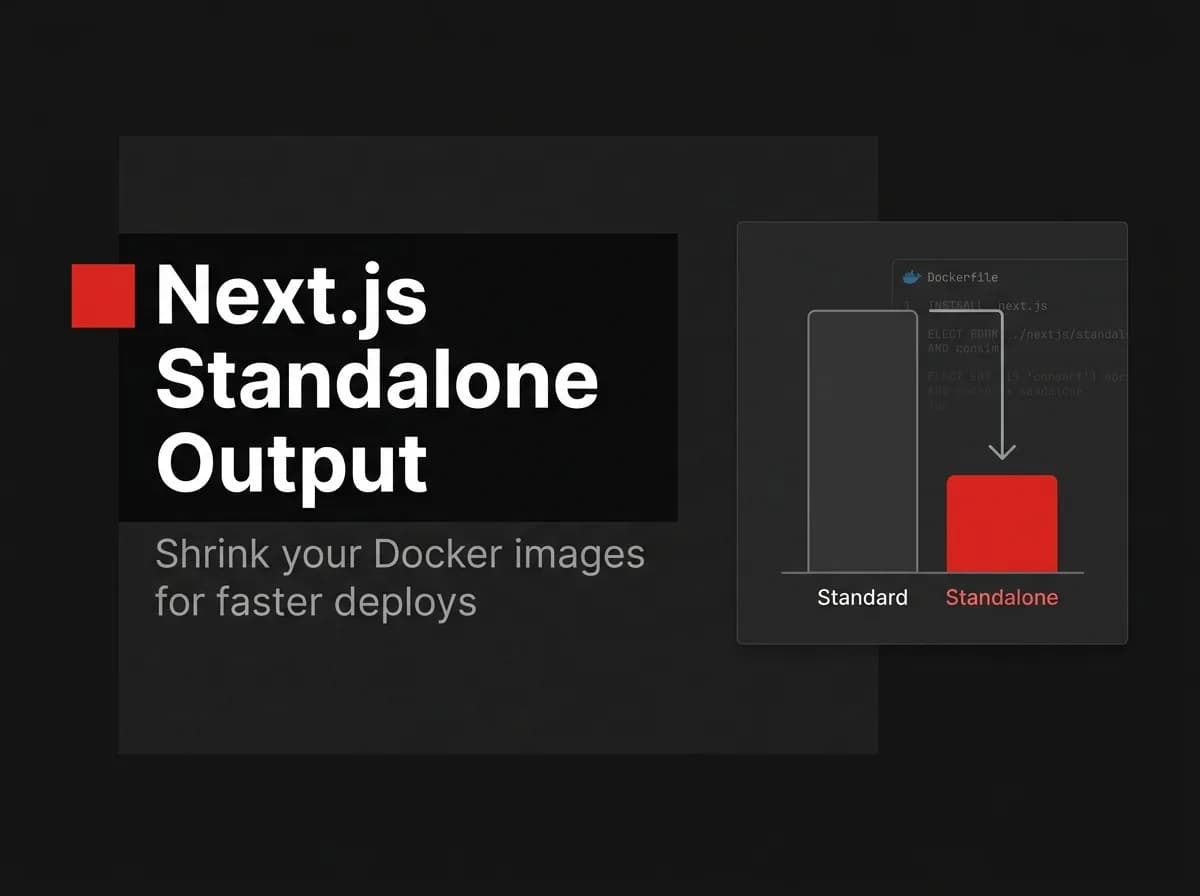
Next.js standalone output is one setting that cuts your Docker image size dramatically by shipping only the modules your app actually uses — not the full node_modules. Set output: 'standalone' in next.config.js and you're most of the way there. Here's the full configuration, the Dockerfile runner stage, and the gotchas that will catch you if you skip them.
Quick Answer
Set output: 'standalone' in next.config.js and Next.js will build a self-contained folder with only the files and dependencies your app actually needs to run. Copy that .next/standalone output (plus .next/static and public) into a slim runtime image and start it with node server.js. This trims a production Docker image from hundreds of megabytes to a fraction, because you no longer ship the full node_modules.
What standalone output does
Normally a Next.js production image carries your entire dependency tree. With standalone output, Next traces exactly which modules each route needs and emits a minimal server.js plus a pruned node_modules. The result is a smaller, faster-to-pull image with less surface area.
Enable it
// next.config.js (untested-here - verify in your project)
/** @type {import('next').NextConfig} */
const nextConfig = {
  output: 'standalone',
};
module.exports = nextConfig;
Use it in a Docker image
# (untested-here) runtime stage of a multi-stage build
FROM node:20-alpine AS runner
WORKDIR /app
ENV NODE_ENV=production

COPY --from=builder /app/.next/standalone ./
COPY --from=builder /app/.next/static ./.next/static
COPY --from=builder /app/public ./public

EXPOSE 3000
CMD ["node", "server.js"]
The key detail: copy .next/static and public separately, because the standalone tracer does not include them automatically.
Gotchas
Files read at runtime that Next cannot trace (for example, dynamic
fsreads) must be copied in manually.The standalone server listens on
PORT(default 3000); set it explicitly in production.This is for the Node runtime, not static export.
How this maps to FastStaq
FastStaq ships as a Dockerized monorepo with a production server image (Dockerfile.server). Standalone output is the general Next.js technique that pairs with that container approach to keep the client image small. The pattern here is standard Next.js/Docker practice; FastStaq's contribution is shipping a production Dockerfile so you start from a working containerized build. See how to Dockerize a Next.js app and the optimal Next.js Dockerfile.
Frequently asked questions
How much smaller is the image? It varies, but dropping the full node_modules commonly cuts image size dramatically — verify against your own build.
Do I still need a multi-stage build? Yes — build in one stage, then copy the standalone output into a slim runtime stage.
Why copy `static` and `public` separately? The standalone tracer does not include them, so they must be copied explicitly.