What Is a SaaS Boilerplate (and the Best Ones in 2026)
Every SaaS founder runs into the same wall: auth, billing, and an admin panel all need building before you can touch the feature your customers actually asked for. A saas boilerplate exists so you can skip that wall instead of climbing it again.
FastStaq, for scale, ships with 76 Prisma models and 120+ passing tests already wired together, roughly what "the same plumbing" looks like once fully built out. This guide covers what a saas boilerplate is, when buying beats building, what to check before paying, and an honest shortlist for 2026.
Quick Answer
A saas boilerplate is a pre-built codebase that ships the parts every software product needs, including authentication, billing, a database layer, transactional email, and an admin area, so you start from a running application instead of an empty folder. The strongest boilerplates in 2026 are full-stack, type-safe, and own their core, meaning auth and billing are built in rather than rented from a separate service. Buying one typically saves weeks to months compared with rebuilding the same plumbing yourself.
What a SaaS boilerplate actually is
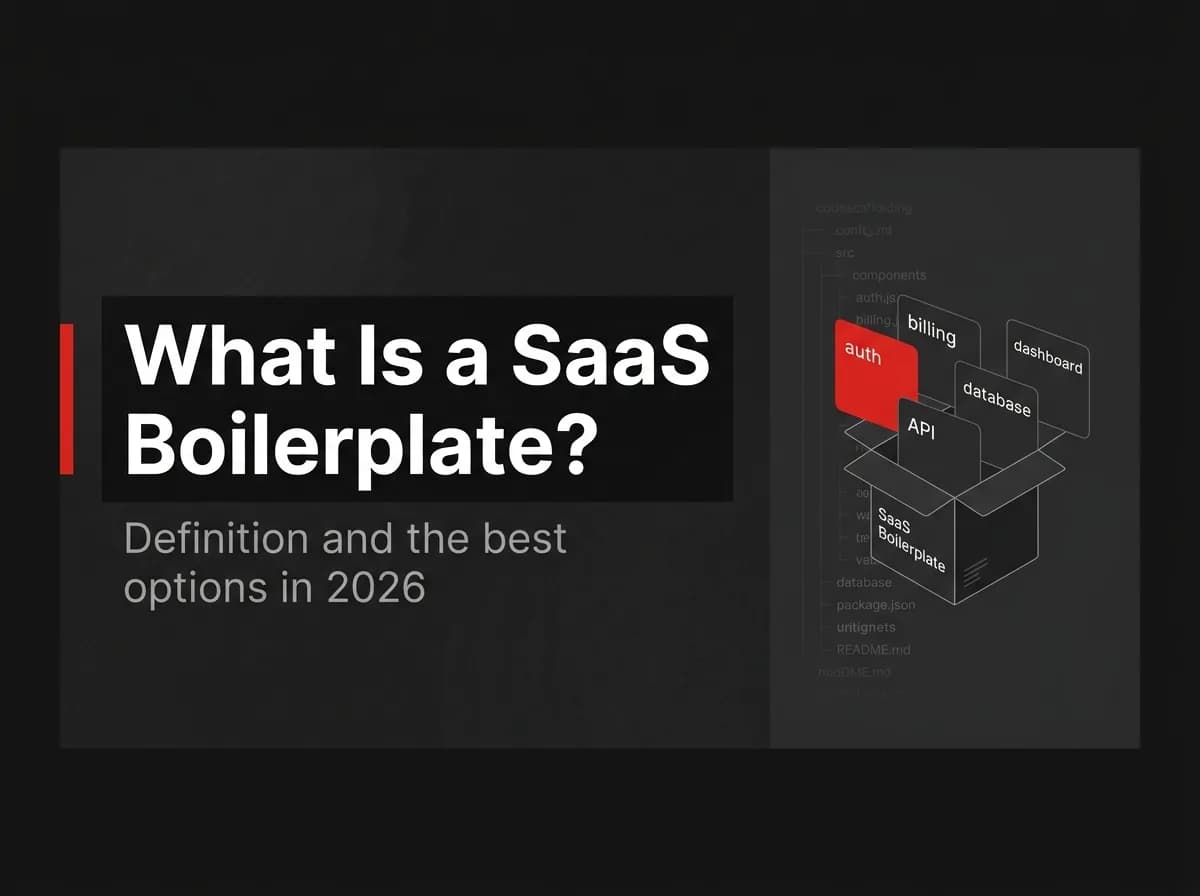
A saas boilerplate is a ready-made application starter that bundles the common SaaS building blocks, such as auth, billing, a database layer, email, and an admin panel, so you can ship features on day one instead of infrastructure.
That definition rules out two things people often lump in with boilerplates. A tutorial repo teaches one feature; it isn't meant for production. A UI theme gives you components and a Tailwind config but no server, no database schema, and no billing logic. A nextjs saas template sits between the two: more prebuilt UI than a theme, but you still connect your own backend and billing.
Note: A quick test tells the two apart: if it doesn't ship working auth and billing, call it a theme, not a boilerplate.
Good saas boilerplates cover more ground than that baseline in 2026. FastStaq, for example, adds a support desk, a blog CMS, an affiliate program, and privacy and compliance tooling on top of the core, since these are modules most SaaS products eventually need anyway.
If you're comparing this specifically against Next.js-only options, see our Next.js boilerplate guide. For frontend-only starters without a backend attached, see SaaS template.
Should you buy a boilerplate or build from scratch?
Buying and building are both valid, and the right answer depends on what your product actually is. Here is the comparison across the dimensions that matter most:
Dimension | Buy a boilerplate | Build from scratch |
|---|---|---|
Time to first feature | Days, since auth and billing already work | Weeks to months to reach the same baseline |
Correctness on day one | Auth and billing edge cases already handled and tested | You discover edge cases (session fixation, webhook replay, idempotency) as they happen |
Learning | You learn the codebase you're given | You learn the codebase you write, which sticks longer |
Flexibility | Bounded by the framework and module choices already made | Unbounded, at the cost of building everything yourself |
Upfront cost | One license fee, commonly under $500 for solo-friendly options | $0 in cash, unpaid in engineering hours instead |
Best for | Teams who want to ship the product idea, not the plumbing | Teams whose product IS the plumbing (dev tools, infra, security) |
Here's a back-of-envelope estimate, not a formal study: in my experience, rebuilding auth, billing, an admin panel, and background jobs correctly, with tests, is a 300-plus hour job for one experienced developer. That's real opportunity cost, whatever your hourly rate happens to be, before you've shipped a single feature a customer asked for.
Skip buying if your product's value proposition is auth, billing infrastructure, or developer tooling; build it yourself, since that's the sellable IP. For everyone else, where auth and billing are necessary infrastructure rather than the differentiator, buying a saas boilerplate is close to a strictly better move.
For the full breakdown with hour-by-hour math, see our SaaS boilerplate vs. build from scratch comparison.
What a good SaaS boilerplate includes
A saas boilerplate earns the name by covering eight areas well. Anything missing here is scope you'll build later, on your own timeline instead of the vendor's.
Authentication: email and password sessions plus at least one social login (Google OAuth is common), with two-factor auth and API keys for programmatic access. See Next.js authentication for what "good" looks like.
Billing: a payment gateway wired to checkout, a customer portal, and webhook handling that won't double-charge on a retried event. See SaaS billing for the idempotency details.
Database layer: a schema and migration system you can extend without fighting the ORM, on Postgres or a similarly mainstream engine. See Next.js and Supabase for running it on managed Postgres.
Transactional email: queued delivery, not a synchronous call blocking your request, with templates you can version and edit. See transactional email for the failure modes queueing avoids.
Admin panel with roles: a way to see and manage users, subscriptions, and content without querying the database directly, gated by role-based permissions.
Deployment: a Docker image or equivalent reflecting how the boilerplate actually runs in production, not a "works on my machine" setup. See Dockerizing a Next.js app for the image side.
Multi-tenancy: workspaces, memberships, and invitations, if your product serves teams rather than individuals. Skip this if you're building a single-user tool; see micro SaaS.
Tests: enough automated coverage that you can change the auth or billing code without breaking it silently. Migrations count too.
2026 has raised the bar past that core eight. Buyers now expect a support desk with live chat, a blog CMS, an affiliate program with commission tracking, and privacy and compliance tooling (consent, data export, deletion) baked in, since these used to be separate purchases.
How to evaluate a boilerplate before you buy
Marketing pages all read the same. The codebase does not. Before paying for any saas boilerplate, run through these six checks:
Read the auth and billing code, not just the demo. These are the two modules where a bug costs the most, so read them line by line before you commit.
Match the stack to what your team already knows. A boilerplate in a stack your team has never touched adds a learning curve on top of the codebase itself.
Confirm it owns the hard parts instead of renting them. A boilerplate that wraps a third-party auth provider or payment processor without adding its own logic on top is closer to a config file than a boilerplate.
Check for tests and migrations, not just features. A migration history tells you the schema has changed under real use; a test suite tells you someone verifies it still works.
Read the license terms before you read the code. Confirm what "lifetime" covers (updates, seats, commercial use) and what it doesn't.
Ask what runs on the vendor's own product. If the company selling the boilerplate doesn't run its own site or app on it, that's worth asking about directly.
Pro tip: Ask the vendor for their current test count and the date of their last commit. Both answer "is this actively maintained" faster than anything on the marketing page will.
The best SaaS boilerplates in 2026
There's no single best saas boilerplate for everyone. The right pick depends on how much of the stack you want to own versus rent, shown in the comparison below.
Note: Competitor details below are kept general and were last checked in July 2026. Pricing, tiers, and feature lists change quickly; confirm current specifics on each vendor's site before buying. This table is refreshed quarterly.
Boilerplate | Style | Stack | Best for |
|---|---|---|---|
FastStaq | Full-stack, owns auth and billing in source | Next.js client, Express/TypeScript API, PostgreSQL/Prisma, Redis/BullMQ | Founders who want a dedicated backend and full source access, not just frontend components |
ShipFast | Lightweight Next.js starter | Next.js, often paired with a managed auth and database provider | Solo indie hackers who want the fastest path to a landing page and checkout |
Makerkit | Framework-style starter kit | Next.js or other framework options, testing-focused | Small teams who want a structured starting point with room to swap providers |
Supastarter | Vendor-assembled, multi-framework starter | Commonly paired with Supabase for auth and database | Teams already comfortable building around a specific backend platform |
Open-source starters (GitHub) | Free, community-maintained | Varies widely by repo | Developers who want to own everything and don't mind assembling the pieces themselves |
Full disclosure: I built FastStaq, so weigh this accordingly. Its honest tradeoff is a bigger codebase than a landing-page starter, since it includes a dedicated Express API, background workers, and 76 data models rather than frontend components wired to someone else's backend. You're running more of the stack yourself: the point if you want the API and database as your own code, a real cost if you'd rather rent that complexity instead.
For head-to-head detail against any one of these, see our FastStaq vs. ShipFast, FastStaq vs. Makerkit, or FastStaq vs. Supastarter comparisons.
The three market styles, summarized
Every saas boilerplate on the market falls into one of three styles, and knowing which style you're looking at explains most of the tradeoffs above.
Style | What it means | Tradeoff |
|---|---|---|
Full-stack, owns core | Ships its own auth and billing logic, plus its own API layer | Bigger codebase to learn; most portable long-term |
Framework starters | Next.js scaffolding plus your choice of providers | Fast to launch; you still configure and connect each provider |
Vendor-assembled | Built tightly around one platform's auth, database, or backend | Very fast if you're already on that platform; harder to leave later |
I lean toward full-stack, owns-core boilerplates for anything meant to run for years, since portability matters more once you have paying customers. If you're validating an idea in a weekend, a framework starter or vendor-assembled option gets you to a working checkout page faster, and that speed is worth more than portability at that stage.
How FastStaq fits
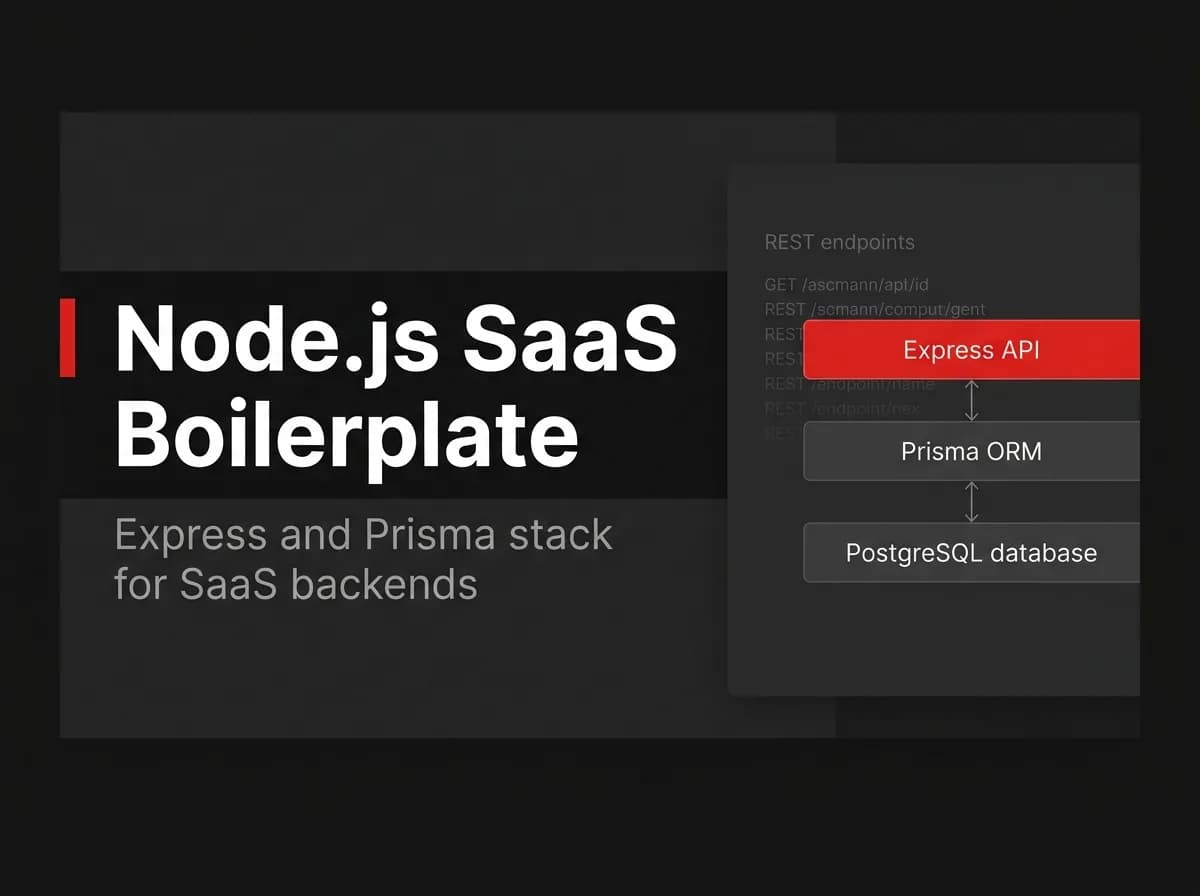
FastStaq is a full-stack saas boilerplate: a pnpm monorepo with a Next.js 16 client, a dedicated Express and TypeScript API, PostgreSQL through Prisma across 76 data models, Redis and BullMQ for background jobs, and S3-compatible storage for files. It ships Dockerized with a production server image, and 120+ passing tests back the auth and billing modules specifically.
On the module side, FastStaq includes auth with 2FA and magic links, billing wired to Stripe by default with a toggle to Lemon Squeezy, a support desk with live chat, a blog CMS, an affiliate program, multi-tenant workspaces, and the privacy and compliance tooling covered earlier in this guide. It's $299 one time for lifetime access and the full source, not a subscription.
The site you're reading this article on runs on FastStaq itself, which is the closest thing to a live demo we can offer: if something's broken, you're looking at it.
Frequently asked questions
What is a SaaS boilerplate? A SaaS boilerplate is a pre-built, production-ready codebase that includes the infrastructure most software products need: authentication, billing, a database layer, email, and an admin panel. It lets you start building your product's actual features instead of its plumbing.
Is a SaaS boilerplate worth it? For most SaaS products, yes: a boilerplate typically costs a few hundred dollars one time and saves weeks to months of engineering time rebuilding auth and billing correctly. It's a weaker fit if your product's core value is that infrastructure itself.
What is the difference between a SaaS boilerplate and a SaaS template? A template usually covers the frontend, such as landing page components and a design system, without a working backend behind it. A boilerplate includes the backend too: a database, authentication, and billing logic that already function.
Can I customize a SaaS boilerplate? Yes, assuming you get full source code access rather than a hosted or locked version. Check the license before buying, since some options restrict what you can modify or resell.
Is there a free, open-source SaaS boilerplate option? Open-source starters exist on GitHub and cost nothing upfront. Expect to spend more setup time assembling and testing the pieces yourself, since community-maintained repos vary widely in how complete and current they are.
Where to go next
A saas boilerplate is a pre-built codebase covering auth, billing, a database layer, email, and admin, and buying one usually beats rebuilding that plumbing unless your product IS that plumbing. Evaluate any option by reading its auth and billing code, matching its stack to your team, and confirming it owns its core instead of renting it. The shortlist above (FastStaq, ShipFast, Makerkit, Supastarter, and open-source starters) covers the main styles on the market in 2026, each with a different tradeoff between speed and ownership.
Your next move: pick one option from the shortlist and actually read its auth and billing code before paying for anything, including ours. From here, go deeper on the piece that matters most to your decision: Next.js authentication, SaaS billing, Dockerizing a Next.js app, Next.js and Supabase, or micro SaaS if you're building solo. If FastStaq's stack matches what you're already comfortable with, you can see the full module list and launch pricing on the site.