How to Manage Database Migrations with Prisma
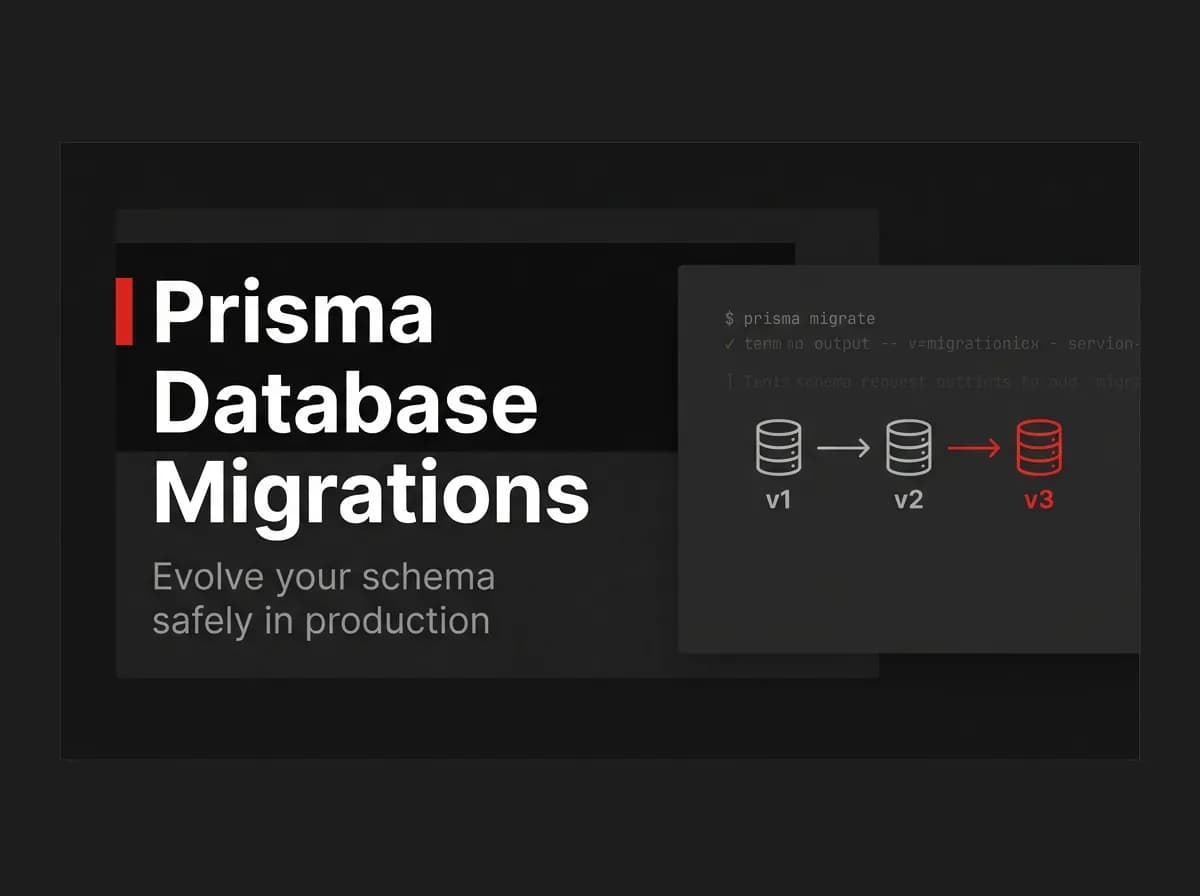
Database migrations with Prisma follow a simple rule: your schema.prisma is the source of truth, and prisma migrate dev generates the SQL to match it. Run it in development, commit the files, then prisma migrate deploy in production. Simple in theory, high-stakes in practice. Here's the full workflow — including the commands most guides don't explain clearly.
Quick Answer
To manage database migrations with Prisma, edit your Prisma schema, run prisma migrate dev to generate and apply a migration locally, commit the generated SQL, then run prisma migrate deploy in production to apply any pending migrations. Prisma records which migrations have run, so every environment converges to the same schema.
How Prisma migrations work
Your schema.prisma is the source of truth for your data model. A migration is a generated SQL file that moves the database from one schema state to the next. Prisma tracks applied migrations in a table so it knows what is pending.
Create a migration (development)
# (untested-here)
# after editing schema.prisma
npx prisma migrate dev --name add_posts_table
This generates the SQL, applies it to your dev database, and regenerates the Prisma client. Commit the new migration folder to Git.
Apply in production (deploy)
# (untested-here)
npx prisma migrate deploy
migrate deploy applies only pending migrations and never prompts — it is the command you run in CI or on the server at release time.
Command reference
Command | Purpose |
|---|---|
| Create + apply a migration in development |
| Apply pending migrations in production |
| Drop and re-apply all migrations (dev only) |
| Run your seed script |
Seeding and resets
Use a seed script for baseline data, and migrate reset in development to rebuild from scratch. Never reset a production database.
How this maps to FastStaq
FastStaq uses Prisma with PostgreSQL and ships SQL migrations, so the dev-then-deploy workflow above is exactly how you evolve its schema. Migrations live in the server's migration folder and run at release time. See how to add full-text search with PostgreSQL and the Supabase + Next.js guide.
Frequently asked questions
What is the difference between `migrate dev` and `migrate deploy`? dev creates and applies migrations locally; deploy applies already-created migrations in production without prompts.
Should I commit migration files? Yes — they are part of your codebase so every environment applies the same changes.
How do I reset my database? Use migrate reset in development only; never on production data.