Prisma Tutorial - Type-Safe Database Access in Node.js
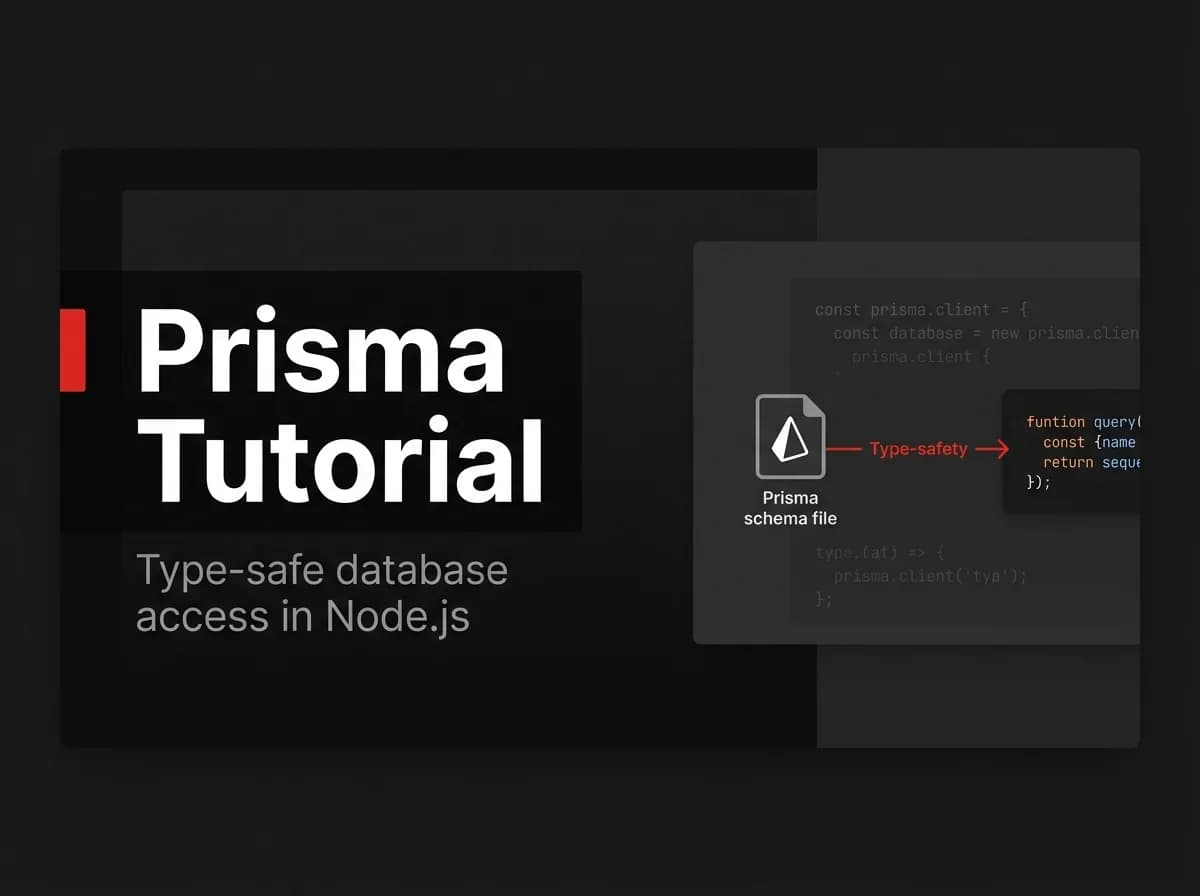
Prisma is the type-safe ORM for Node.js that makes your database queries as checked as the rest of your TypeScript code. Misspell a column name and the build fails — not production. The workflow is straightforward: define your schema, run a migration, generate the client, write queries. Here's the complete guide, including the production migration notes most tutorials skip.
Quick Answer
Prisma is a type-safe ORM for Node.js and TypeScript. Define your tables as models in schema.prisma, run prisma migrate dev to create the database tables, run prisma generate to get a typed client, then query with code like prisma.user.findMany(). You get autocomplete and compile-time safety, and in production you apply changes with prisma migrate deploy.
What an ORM and Prisma are
An ORM (object-relational mapper) lets you work with your database using typed code instead of raw SQL. Prisma is a popular ORM for Node.js/TypeScript built around a schema file, a migration workflow, and a generated, fully typed client. It is part of the Next.js integrations toolkit.
Prerequisites
Node 20+ and a PostgreSQL database (a
DATABASE_URL).A TypeScript project.
npm install prisma --save-dev
npm install @prisma/client
npx prisma init
Step 1: Define a model
Edit prisma/schema.prisma. Each model becomes a table. (Untested-here: illustrative.)
// prisma/schema.prisma
model User {
  id        String   @id @default(cuid())
  email     String   @unique
  name      String?
  createdAt DateTime @default(now())
}
Step 2: Create the tables (migrate)
migrate dev generates a SQL migration and applies it to your dev database.
npx prisma migrate dev --name initStep 3: Generate the typed client
npx prisma generateThis produces a client whose methods and return types match your schema exactly.
Step 4: Query (CRUD)
import { PrismaClient } from '@prisma/client';
const prisma = new PrismaClient();

await prisma.user.create({ data: { email: 'a@b.com', name: 'Ada' } });
const users = await prisma.user.findMany({ where: { name: 'Ada' } });
await prisma.user.update({
  where: { email: 'a@b.com' },
  data: { name: 'Ada L.' },
});
await prisma.user.delete({ where: { email: 'a@b.com' } });
Every field above is autocompleted and type-checked — misspell a column and the build fails, not production.
Production notes
In development you use prisma migrate dev. In production you apply already-generated migrations with prisma migrate deploy as part of your release, so the database schema moves forward safely and repeatably. See how to manage database migrations with Prisma.
Common issues
PrismaClient is not generated
Run npx prisma generate after changing the schema (and after install in CI).
Migration drift
Never edit the database by hand. Change the schema, create a migration, and apply it — that keeps every environment in sync.
How FastStaq helps
FastStaq uses Prisma with PostgreSQL as its data layer, so it is a working reference for everything above: its entire database is defined in server/prisma/schema.prisma, real migrations live in server/prisma/migrations/, and production releases apply prisma migrate deploy. You can read a production Prisma schema instead of a toy example.