How to Add Full-Text Search with PostgreSQL
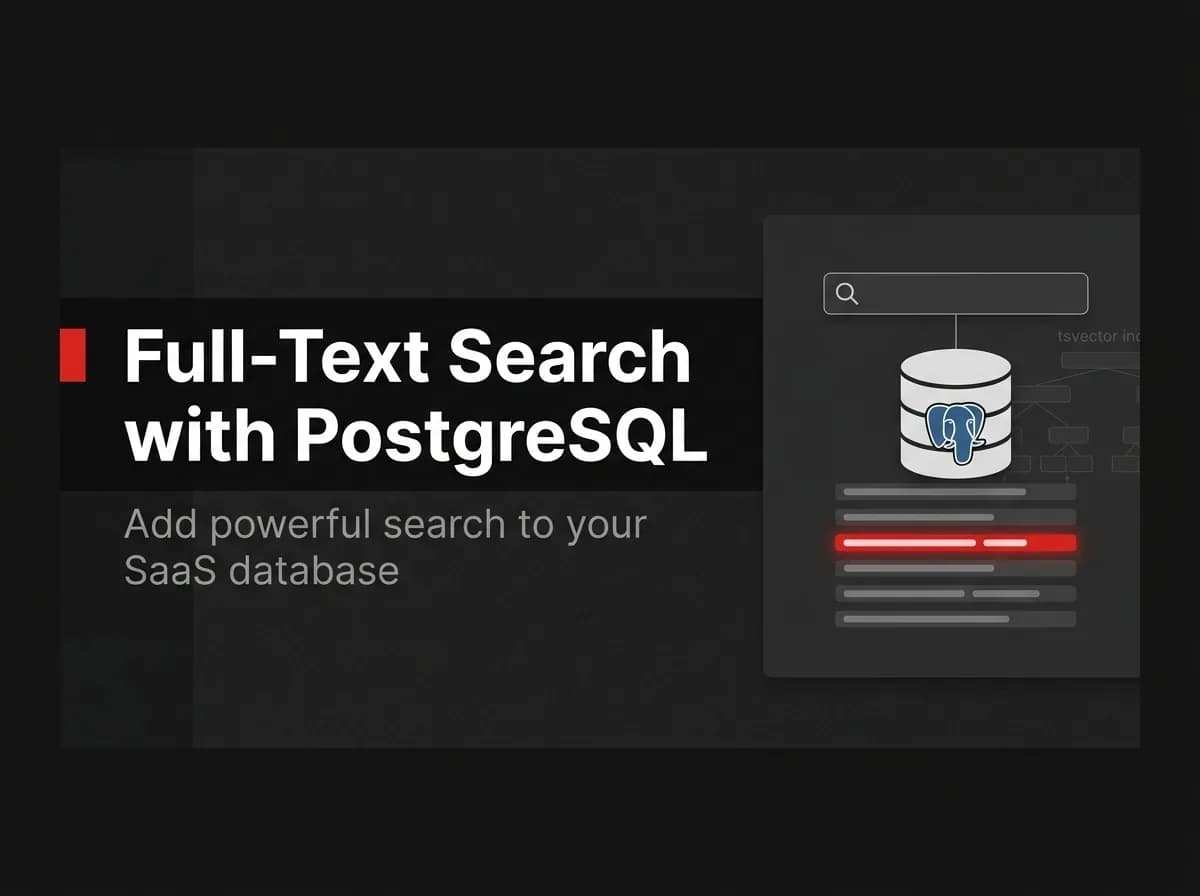
Full text search postgres setup means converting text columns into a tsvector, matching against a tsquery with the @@ operator, and adding a GIN index so lookups stay fast. Layer in ts_rank to order results by relevance. For most apps, that combination is enough to skip a dedicated search engine entirely. Reach for one only once you need fuzzy matching at real scale.
How full text search Postgres works
Full text search is the practice of indexing natural-language text so you can query it by meaning and relevance, not by exact substring matches. Postgres ships this capability in core, no extension required.
Under the hood, Postgres runs your text through a parser and a dictionary. The parser breaks a string into tokens. The dictionary normalizes each token into a lexeme: it strips punctuation, lowercases the word, drops stop words like "the" and "a," and reduces variants to a common root, so "running" and "runs" both become "run."
That's the entire mechanism: preprocess the text once, store it as a tsvector, preprocess the search terms into a tsquery, and let Postgres compare the two.
Note:
LIKE '%term%'still works for exact substring checks, but it can't rank results, can't handle stemming, and can't use a proper index for arbitrary substrings. Full text search fixes all three.
tsvector and tsquery: the building blocks
tsvector stores the preprocessed document. tsquery stores the preprocessed search terms. Run this in psql or any Postgres client:
sql
SELECT to_tsvector('english', 'The Fat Rats');That returns 'fat':2 'rat':3. Passing raw text through to_tsvector normalizes it into a list of lexemes, stripped of stop words and reduced to root forms, ready for indexed search. "Rats" becomes "rat," and "The" disappears entirely because it's a stop word.
Build a matching query with to_tsquery:
sql
SELECT to_tsquery('english', 'fat & rat');The & means both terms must appear. | means either, ! excludes a term, and <-> requires one lexeme to immediately follow another, useful for phrase matching.
Put the two together with the @@ match operator:
sql
SELECT id, title
FROM articles
WHERE to_tsvector('english', body) @@ to_tsquery('english', 'search & postgres');
(Untested here, verify against your own column names and Postgres version before running it.) That comparison runs through Postgres's @@ match operator, which evaluates to true when a preprocessed document, the tsvector, matches a preprocessed query, the tsquery.
This works, but it recomputes to_tsvector(body) on every row for every query. For anything beyond a handful of rows, store the tsvector instead of computing it on the fly. A generated column does that automatically:
sql
ALTER TABLE articles
  ADD COLUMN search_vector tsvector
  GENERATED ALWAYS AS (
    to_tsvector('english', coalesce(title, '') || ' ' || coalesce(body, ''))
  ) STORED;
Postgres keeps search_vector in sync on every insert and update automatically, so you never write update logic for it yourself.
Add a GIN index so queries stay fast
A generated column alone won't speed up your queries. GIN indexes are Postgres's preferred index type for text search: as an inverted index, a GIN index stores one entry per lexeme along with a compressed list of the rows containing it, so a multi-word search can locate the first match and then narrow down further hits through the index instead of scanning every row.
sql
CREATE INDEX articles_search_idx ON articles USING GIN (search_vector);(Untested here, run an EXPLAIN ANALYZE on your own data to confirm the planner picks up the index.)
With the index in place, the earlier query becomes a fast lookup instead of a table scan:
sql
SELECT id, title
FROM articles
WHERE search_vector @@ to_tsquery('english', 'search & postgres')
LIMIT 20;
Pro tip: If your table also gets heavy write traffic, keep the generated column and the GIN index anyway. The write overhead is small compared to the cost of scanning the full table on every search.
Further reading: Postgres's own docs cover GIN indexing for text search in detail at postgresql.org/docs/current/textsearch-indexes.html.
Wiring this into a Prisma-based app
If your app runs on Prisma, the pattern above still applies, you just add it through a migration instead of hand-editing the database. Prisma's schema language doesn't have a native tsvector type, so generate an empty migration and write the SQL by hand:
bash
npx prisma migrate dev --create-only --name add_search_vectorThen open the generated file, typically prisma/migrations/<timestamp>_add_search_vector/migration.sql, and paste in the ALTER TABLE and CREATE INDEX statements from above before running prisma migrate deploy. Prisma's generated migration files are fully customizable, so editing the raw SQL before applying it is a supported workflow, not a hack around the tool. For the general process of editing generated migrations, see our guide to Prisma migrations.
This is where a Postgres-first stack pays off. FastStaq's server runs on Postgres through Prisma already, with 76 data models and migrations included, so adding a search column is a normal schema change, not a new service to deploy. If that Postgres instance is hosted on Supabase's managed Postgres rather than a self-managed box, the same to_tsvector and GIN setup applies unchanged. See our walkthrough on Supabase with Next.js for the connection details.
Rank results with ts_rank
A match tells you a row qualifies. ts_rank tells you how well it matches, so you can sort the best results first:
sql
SELECT id, title,
  ts_rank(search_vector, to_tsquery('english', 'search & postgres')) AS rank
FROM articles
WHERE search_vector @@ to_tsquery('english', 'search & postgres')
ORDER BY rank DESC
LIMIT 20;
(Untested here, tune the query against your own dataset before shipping it.)
ts_rank weighs matches by how often and how densely the terms appear. If some fields matter more than others, a title match should usually outrank a body match, use setweight when building the vector to assign each part a label from A (highest) to D (lowest), then rank with those weights in mind.
For user-typed search boxes, swap to_tsquery for websearch_to_tsquery. It accepts plain search phrases the way people actually type them, quotes for an exact phrase, a leading - to exclude a word, instead of requiring & and | operators.
LIKE vs full text search vs a dedicated search engine
| Postgres full text search | Dedicated engine (Elasticsearch, Algolia, Typesense) | |
|---|---|---|---|
Setup | Built in, zero config | Built in, needs an index | New service to run or pay for |
Relevance ranking | None |
| Built in, often more advanced |
Stemming and stop words | None | Built in | Built in |
Typo tolerance | None | Only with the | Usually built in |
Extra infrastructure | None | None | Yes |
When to reach for a dedicated search engine
Postgres full text search covers most product search, internal admin panels, and content sites without adding a new service. It stops being enough in a few specific cases.
Postgres doesn't handle typos or approximate matches out of the box. Trigram matching from the pg_trgm extension is a useful complement to full text search, since it can help catch misspelled input words that the standard full text search mechanism won't match directly. If your users regularly misspell search terms and you'd rather not add that extra setup, a dedicated engine's built-in fuzzy matching may fit better.
Postgres also runs full text search on the same database instance handling your transactional workload. At real scale, that competes with your writes for CPU and memory. Engines built specifically for search, such as Elasticsearch, Algolia, or Typesense, separate that workload onto its own infrastructure and add features like faceted filtering and typo-tolerant autocomplete as standard.
Note: References to competing search engines above describe general, publicly known product categories, not specific pricing or feature claims. Details verified July 2026; check each vendor's site for current tiers and capabilities.
If your dataset is moderate in size and your users search the way they'd type into a database, not a Google-style query box, Postgres is very likely enough. I'd stick with Postgres until search quality becomes the product itself, a marketplace or a large content library, then budget for a dedicated engine from day one.
FAQ
What's the difference between tsvector and tsquery? tsvector stores a preprocessed document, ready to be searched. tsquery stores a preprocessed search term, ready to search with. Postgres compares the two with the @@ match operator to determine whether a document matches a query.
Do I need Elasticsearch to add search to a Postgres app? No. Postgres full text search handles ranked, indexed search natively through tsvector, tsquery, and a GIN index. Reach for Elasticsearch, Algolia, or a similar engine only once you need built-in typo tolerance, faceted search, or search workloads large enough to justify separate infrastructure.
How do I search across multiple columns at once? Concatenate the columns inside to_tsvector, typically wrapped in coalesce() so a null field doesn't null out the whole vector: to_tsvector('english', coalesce(title, '') || ' ' || coalesce(body, '')). Use setweight if matches in one column, like a title, should rank above matches in another.
Does Postgres full text search support typo tolerance? Not by default. to_tsvector and to_tsquery handle stemming and stop words, but not misspellings. Add the pg_trgm extension for trigram-based fuzzy matching if typo tolerance matters for your use case.
How do I add full text search to a Prisma-based app? Generate an empty migration with prisma migrate dev --create-only, then hand-write the ALTER TABLE ... GENERATED ALWAYS AS and CREATE INDEX ... USING GIN statements into the generated SQL file before applying it. Prisma's schema language doesn't model tsvector directly, so this stays a plain SQL step inside an otherwise normal Prisma migration.
Where to go next
Full text search in Postgres comes down to three pieces: a tsvector column to store preprocessed text, a GIN index so lookups stay fast, and ts_rank to sort matches by relevance. That's enough for most apps, and it means one less service to deploy and pay for. Start by adding a generated search_vector column and a GIN index to your busiest searchable table, then layer in ts_rank once basic matching works. If you're building on a Postgres and Prisma stack, FastStaq ships that foundation, Postgres through Prisma with 76 data models and migrations included, already wired up as part of the $299 one-time source code, so this pattern slots straight into a schema you already own.