Playwright Tutorial - End-to-End Testing for Web Apps
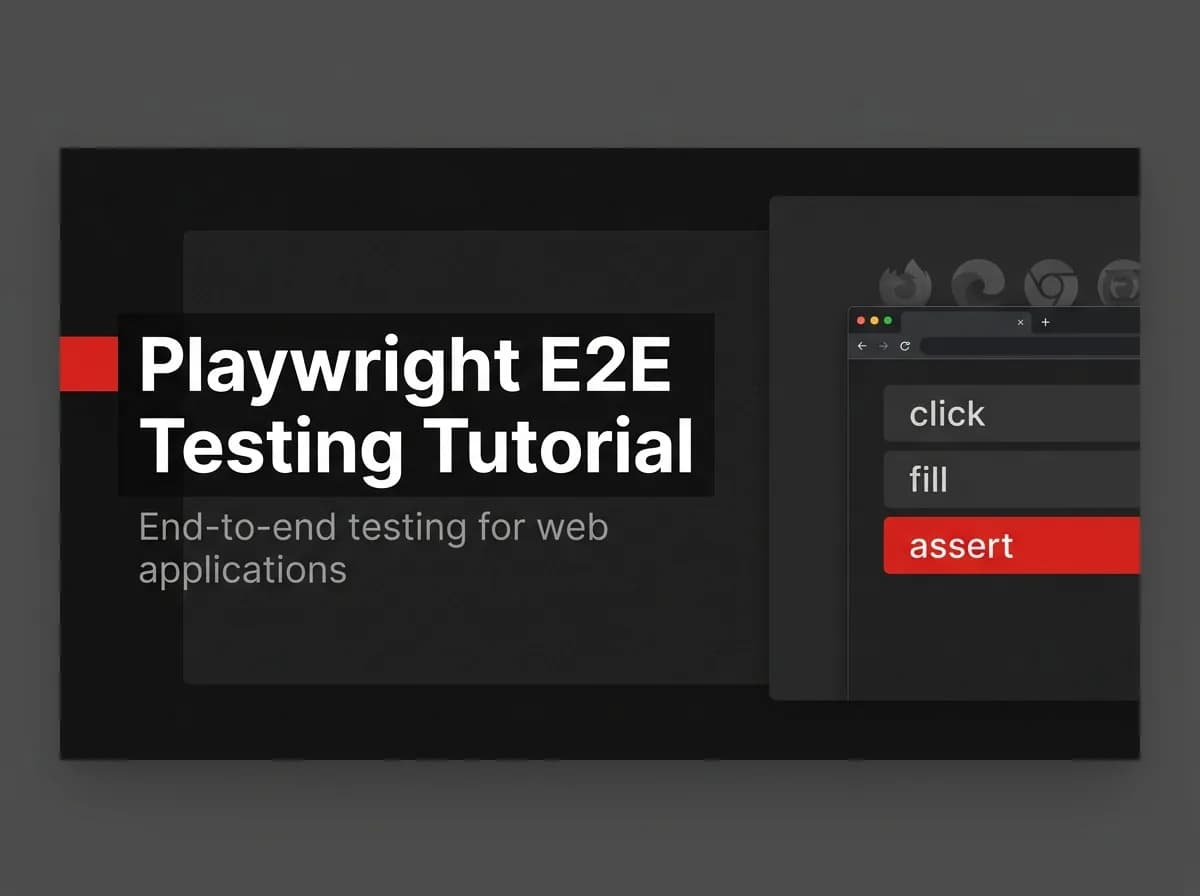
Playwright is the end-to-end testing framework that drives real browsers — Chromium, Firefox, and WebKit — to verify your app the way a user experiences it. The key to a fast, reliable Playwright suite: use role-based locators, save authenticated state so tests skip login, and run in CI on every push. Here's the practical tutorial.
Quick Answer
To write end-to-end tests with Playwright, install it, then write a test that launches a browser, navigates to your app, interacts with elements using role-based locators, and asserts on the result. Reuse authenticated state so tests skip login, and run the suite in CI on every push so regressions are caught before they reach production.
What Playwright is
Playwright is an end-to-end testing framework that drives real browsers (Chromium, Firefox, WebKit) to verify your app the way a user experiences it.
End-to-end (Playwright) | Unit tests | |
|---|---|---|
Scope | Whole app in a browser | One function/component |
Speed | Slower | Fast |
Catches | Integration + UI regressions | Logic bugs |
Use for | Critical user flows | Internal logic |
Install and write your first test
// (untested-here) example.spec.ts
import { test, expect } from '@playwright/test';

test('homepage shows the sign up CTA', async ({ page }) => {
  await page.goto('https://localhost:3000');
  await expect(page.getByRole('link', { name: 'Sign up' })).toBeVisible();
});
Selectors and assertions
Prefer role-based locators (getByRole, getByLabel) over brittle CSS selectors — they mirror how users and assistive tech find elements, so tests survive markup changes.
Reuse authenticated state
Log in once in a setup step, save the storage state, and load it in tests so each test starts authenticated without repeating the login flow.
Run in CI
Run the suite in your pipeline on every push — see how to deploy with GitHub Actions. Playwright produces traces and screenshots on failure so you can debug CI runs.
How this maps to FastStaq
FastStaq's stack is test-friendly — it includes a server test setup (server/tests), so adding Playwright for end-to-end coverage of critical flows (signup, checkout, auth) fits naturally. Run the suite in CI alongside the build. See how to deploy with GitHub Actions and the Supabase + Next.js guide.
Frequently asked questions
How is Playwright different from unit testing? Playwright tests the whole app in a real browser; unit tests check individual functions — use both.
How do I avoid logging in for every test? Save authenticated storage state once and load it in each test.
Can Playwright run in CI? Yes — run it on every push; it captures traces and screenshots on failure for debugging.
Next steps
See the Supabase + Next.js guide
Back to the Supabase + Next.js integration hub