Supabase Tutorial - Getting Started for Beginners
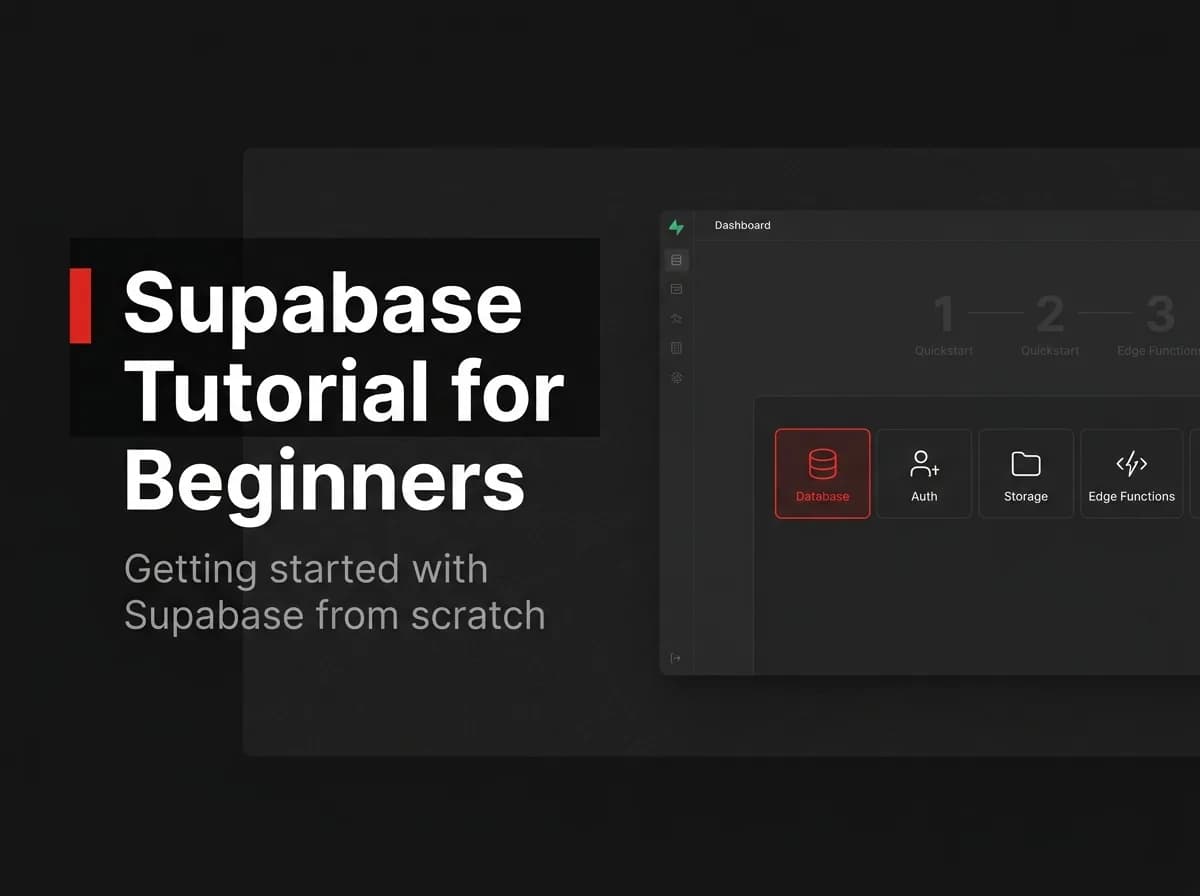
Supabase is one of the fastest ways to get a working backend: managed PostgreSQL plus authentication, file storage, realtime, and auto-generated APIs over your tables — all without assembling the pieces yourself. If you have been putting off learning it because it looks complex, this Supabase tutorial will change that. Here's how to go from zero to running queries in under 30 minutes.
Quick Answer
To get started with Supabase, create a project, define a table in the dashboard or SQL editor, then read and write it with the Supabase client using your project URL and anon key. Supabase is managed PostgreSQL with auth, storage, and auto-generated APIs, so you get a working backend without building one. This guide walks through a project, a table, a query, and auth basics.
What Supabase is
Supabase is a backend-as-a-service built on PostgreSQL. You get a managed Postgres database plus authentication, file storage, realtime, and instant APIs over your tables — useful when you want a backend fast without assembling one yourself.
Step 1 - Create a project
Sign up, create a new project, choose a region, and set a database password. Supabase provisions a Postgres database and gives you a project URL and API keys.
Step 2 - Create a table
In the Table editor or SQL editor, create a table:
-- (untested-here)
create table todos (
  id bigint generated always as identity primary key,
  title text not null,
  is_done boolean default false,
  created_at timestamptz default now()
);
Step 3 - Query data from the client
// (untested-here)
import { createClient } from '@supabase/supabase-js';

const supabase = createClient(
  process.env.NEXT_PUBLIC_SUPABASE_URL!,
  process.env.NEXT_PUBLIC_SUPABASE_ANON_KEY!
);

const { data, error } = await supabase.from('todos').select('*');
Step 4 - Auth basics
Supabase Auth handles sign-up and login (email/password, magic links, OAuth). Enable a provider in the dashboard and use the client's auth methods. Protect data with Row Level Security (RLS) policies so users only access their own rows.
Where to go next
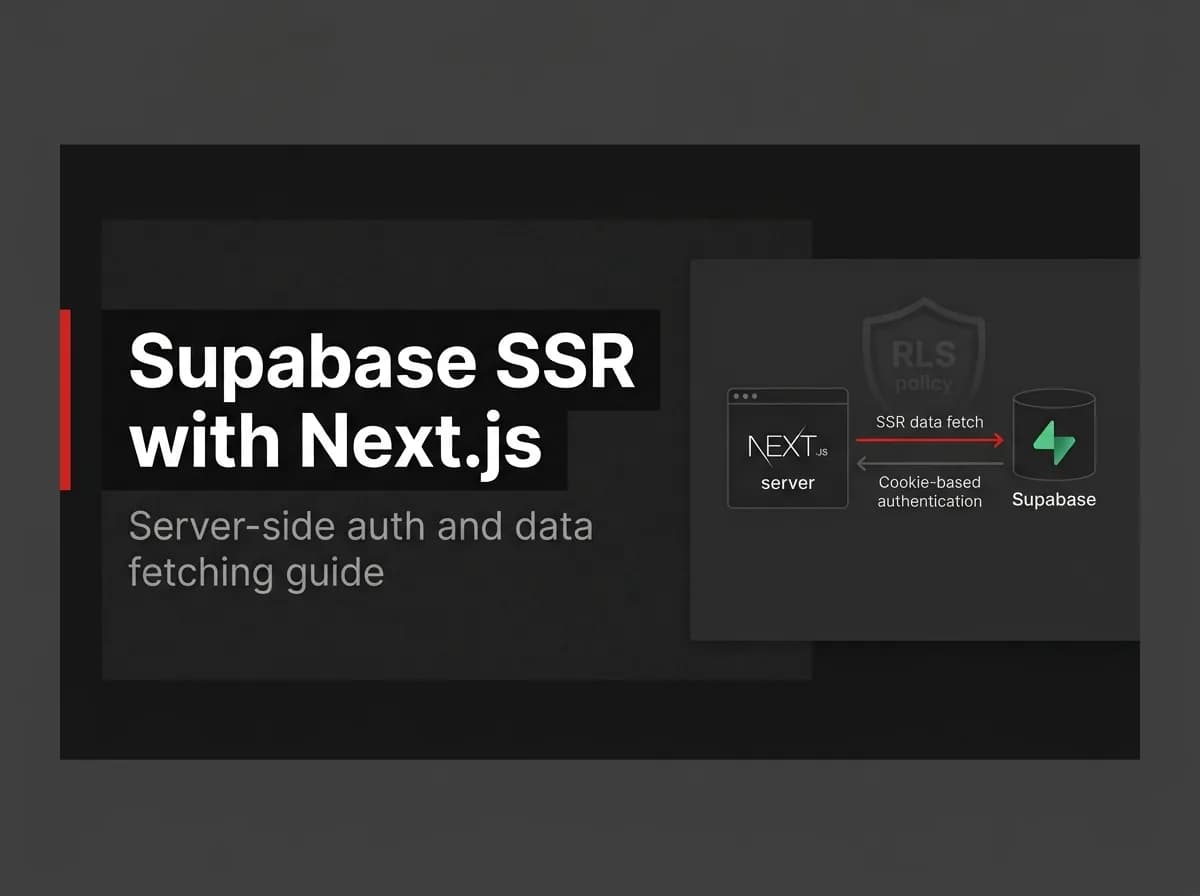
Add RLS policies, wire server-side rendering for authenticated pages, and connect Supabase to your framework. See Supabase SSR with Next.js.
How this maps to FastStaq
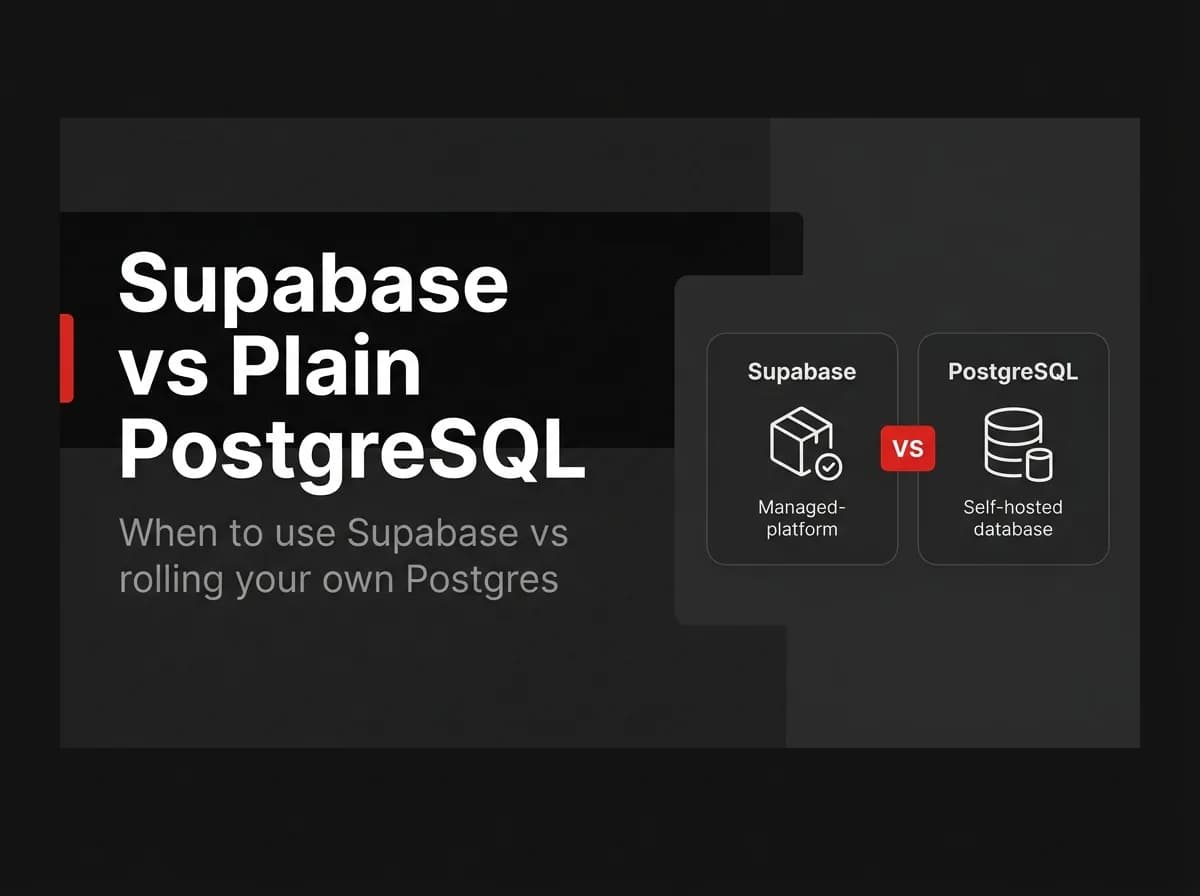
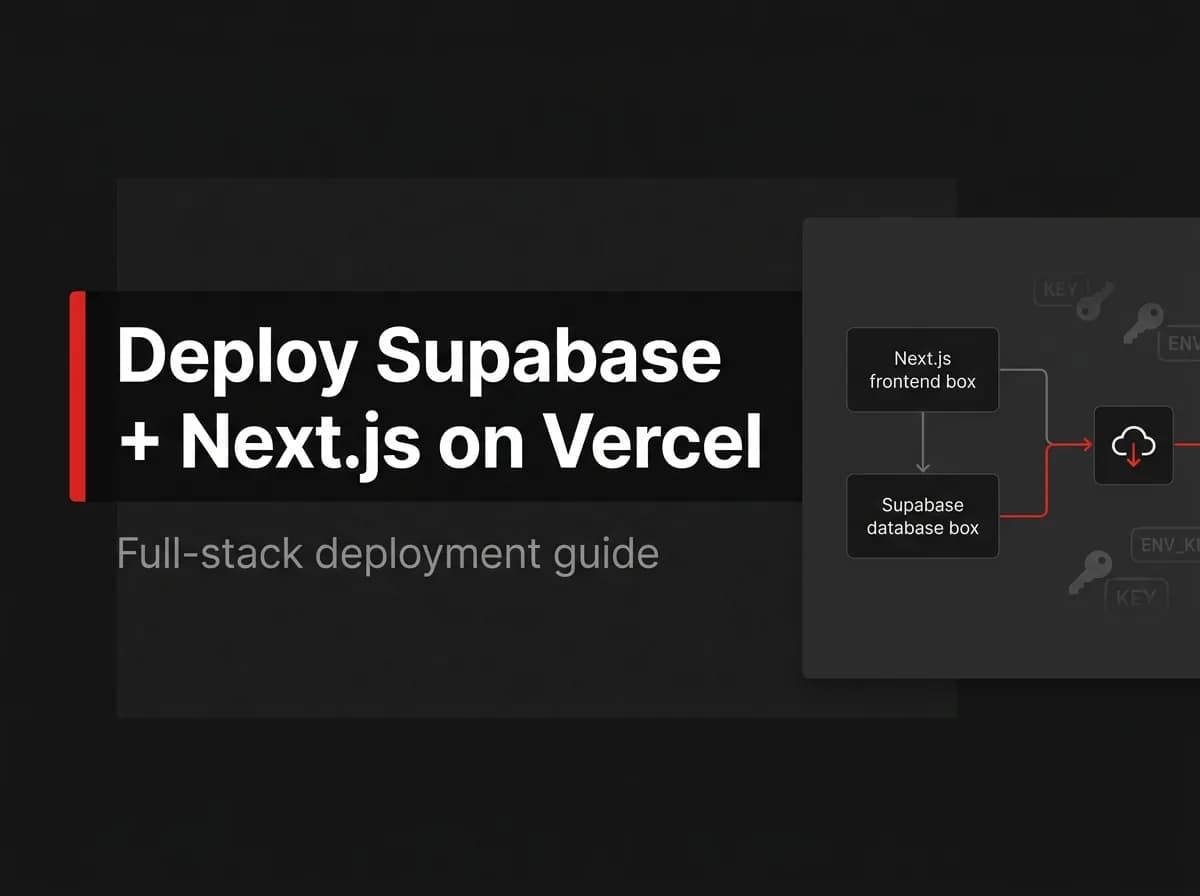
FastStaq is not built on Supabase — it uses PostgreSQL via Prisma with its own auth and storage. But because it is plain Postgres, you can point FastStaq at Supabase's managed Postgres by setting DATABASE_URL. So this tutorial helps if you use Supabase directly, and FastStaq can still run on the Postgres that Supabase provides. See the Supabase + Next.js guide and Supabase vs plain PostgreSQL.
Frequently asked questions
Is Supabase free to start? It has a free tier suitable for learning and small projects; verify current limits.
Is Supabase just Postgres? At its core, yes — it runs standard PostgreSQL and adds a backend (auth, storage, realtime, APIs).
Can I use Supabase with FastStaq? You can use Supabase's managed Postgres as FastStaq's database via DATABASE_URL; FastStaq does not bundle Supabase's backend services.
Next steps
Back to the Supabase + Next.js guide