Next.js Deployment - Every Option Compared
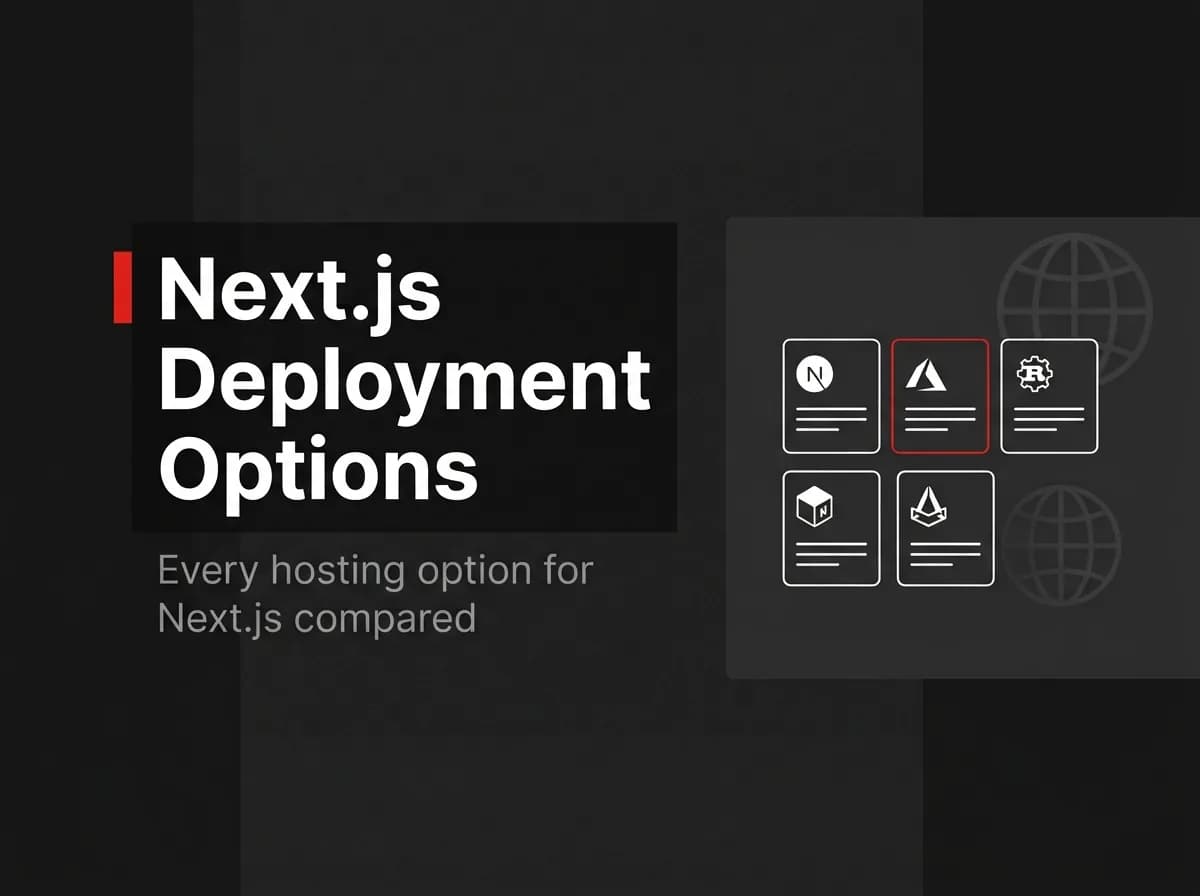
You can deploy a Next.js app four main ways: a managed platform like Vercel or Netlify, a full-stack PaaS like Railway, Render, or Fly.io, your own server through Docker, or a static export for content that doesn't need a live server. Managed platforms get a typical Next.js app live fastest. Reach for a PaaS or Docker once you're also running a backend API, a database, or background workers you want to control directly.
Next.js deployment is the process of taking your built app and running it on infrastructure that serves it to users, whether that's a platform-managed function, a container you operate yourself, or static files on a CDN.
The Next.js deployment options at a glance
Note: Platform details verified August 2026. Pricing, tiers, and feature limits change often. Check Vercel, Netlify, Railway, Render, and Fly's own sites for current numbers. This comparison is refreshed quarterly.
Option | Managed or self-hosted | Runs a separate backend? | Best for |
|---|---|---|---|
Vercel | Managed | No, serverless/edge functions only | Fastest setup for a typical Next.js app |
Netlify | Managed | No, serverless/edge functions only | Similar to Vercel, strong static + ISR support |
Railway | Full-stack PaaS | Yes | Next.js plus a database and workers in one project |
Render | Full-stack PaaS | Yes | Similar to Railway, more traditional ops controls |
Full-stack PaaS | Yes | Running containers close to users in multiple regions | |
Docker self-host | Self-hosted | Yes | Full infrastructure control, compliance requirements |
Static export | Static hosting or CDN | No | Marketing sites, docs, content with no server logic |
Managed platforms: Vercel and Netlify
Vercel is built by the team that maintains Next.js, so new framework features (edge middleware, Partial Prerendering, image optimization) tend to land there first. Netlify runs Next.js through its own adapter, provisioning a serverless function for server-side rendering, ISR, route handlers, and Server Actions, plus an edge function for middleware.
Both give you git-push deploys, a preview URL per branch, and a free tier for small projects. Neither runs a long-lived process by default: no persistent WebSocket server, no background worker that stays alive between requests, without adding a separate service for it. If your app is App Router pages and a handful of API routes with no heavy background jobs, this is the fastest path to production.
Pro tip: If your app needs real-time features like live chat or presence, check whether your platform supports persistent WebSocket connections before you commit. Serverless functions on Vercel and Netlify are not built for long-lived connections; you'll typically pair them with a separate service (Pusher, Ably, or your own socket server elsewhere) instead.
Full-stack PaaS: Railway, Render, and Fly.io
Railway, Render, and Fly.io let you run Next.js alongside a separate backend, a Postgres or Redis instance, and background workers, provisioned from the same project. This is the tier where a job queue (BullMQ, for example), a persistent WebSocket server, or a cron worker becomes straightforward instead of a workaround.
Configuration looks closer to running your own server: you write a Dockerfile or use the platform's buildpacks, set environment variables per service, and manage scaling and regions yourself. Railway and Render lean toward a simpler dashboard-first workflow; Fly.io leans toward deploying containers across multiple regions close to your users. All three run Next.js in standard Node server mode (next build then next start), so every Next.js feature that needs a server, including SSR, ISR, and middleware, works without the workarounds a purely serverless platform sometimes needs.
Docker self-hosting
Self-hosting means running Next.js's production build in a container on infrastructure you control: a VPS, your company's Kubernetes cluster, AWS ECS, or a bare-metal box. The standard pattern is a Node image that runs next build, then next start, or Next.js's standalone output mode for a smaller image. Docker deployments support every Next.js feature, the same as a plain Node.js deployment.
You get full control over region, scaling, and cost, and you own patching, monitoring, TLS, and zero-downtime deploys yourself. This is also where a monorepo with a separate API server pays off: your Next.js frontend and your Express (or similar) backend can ship as two services from one repo, sharing types and deploy tooling instead of living in separate projects.
We build FastStaq this way. It's a pnpm monorepo with client/ (Next.js) and server/ (a dedicated Express API), plus a production Dockerfile.server you can point at any host, PaaS or self-managed. The frontend can go to Vercel while the API, Redis-backed background workers, and Postgres database run on Railway, Render, Fly, or your own container host, or the whole stack can run self-hosted from the same Dockerfile. That split exists because "deploy the frontend one way, the backend another" is the normal shape of a real SaaS app, not an edge case.
Static export
Setting output: 'export' in next.config.js turns your app into static HTML, CSS, and JS files with no Node server at runtime. next build produces an out folder you can deploy to any static host or CDN: S3 plus CloudFront, GitHub Pages, Cloudflare Pages, or the static tier of Vercel or Netlify. (The old next export command was removed in Next.js 14; output: 'export' replaced it.)
Static export drops any Next.js feature that needs a live server at request time: no SSR, no ISR beyond build time, no middleware that runs per request, no Server Actions. It fits marketing pages, documentation sites, and content that doesn't change per visitor. It does not fit a dashboard, an authenticated app, or anything with per-request logic.
How to choose
Match the option to what your app actually does at runtime, not to what's popular:
Static pages only, no server logic: static export to any CDN.
Standard Next.js app, a few API routes, no background jobs: Vercel or Netlify.
Next.js plus a real backend, a database, and workers: Railway, Render, or Fly.io.
You need specific infrastructure control, compliance requirements, or you're already running Docker elsewhere: self-host.
Remember: the deployment target for your Next.js frontend and the target for your backend don't have to match. Plenty of production apps put the frontend on Vercel and the API, database, and workers on a PaaS or a self-managed host. Decide per component, not per project.
FAQ
Do you need Vercel to deploy a Next.js app? No. Vercel is one option among several. Netlify supports the same core features through its own adapter, and any platform that runs Node.js, including Railway, Render, Fly.io, or your own Docker host, can run Next.js in standard server mode.
Can you self-host Next.js with Docker? Yes. Docker deployments support every Next.js feature, the same as a Node.js deployment. The typical setup builds a Node image, runs next build, then next start (or the standalone output mode for a smaller image), and exposes the container on your infrastructure.
What is a Next.js static export good for? Static export (output: 'export') produces plain HTML, CSS, and JS files with no server at runtime. It fits content that doesn't change per request, such as marketing pages or documentation. It doesn't support SSR, ISR beyond build time, middleware, or Server Actions, since those all require a live server.
Can Next.js run on Railway or Render? Yes. Both run Next.js in standard Node server mode using a Dockerfile or their buildpacks, which supports SSR, ISR, and middleware without the adjustments a purely serverless platform sometimes needs.
Which Next.js deployment option is cheapest? It depends on traffic and how many services you run. Static export and a managed platform's free tier cost the least for small, low-traffic sites. Once you're running a database, background workers, and a real API alongside Next.js, a PaaS or self-hosted Docker setup is often more predictable, since you're not paying serverless function pricing per invocation across multiple services.
Where to go next
Pick your Next.js frontend host based on how much server-side logic it runs, and pick your backend host based on what else your app needs: a database, a job queue, WebSockets. Those two decisions don't have to point at the same platform.