Neon vs Supabase: Which Postgres Platform to Pick
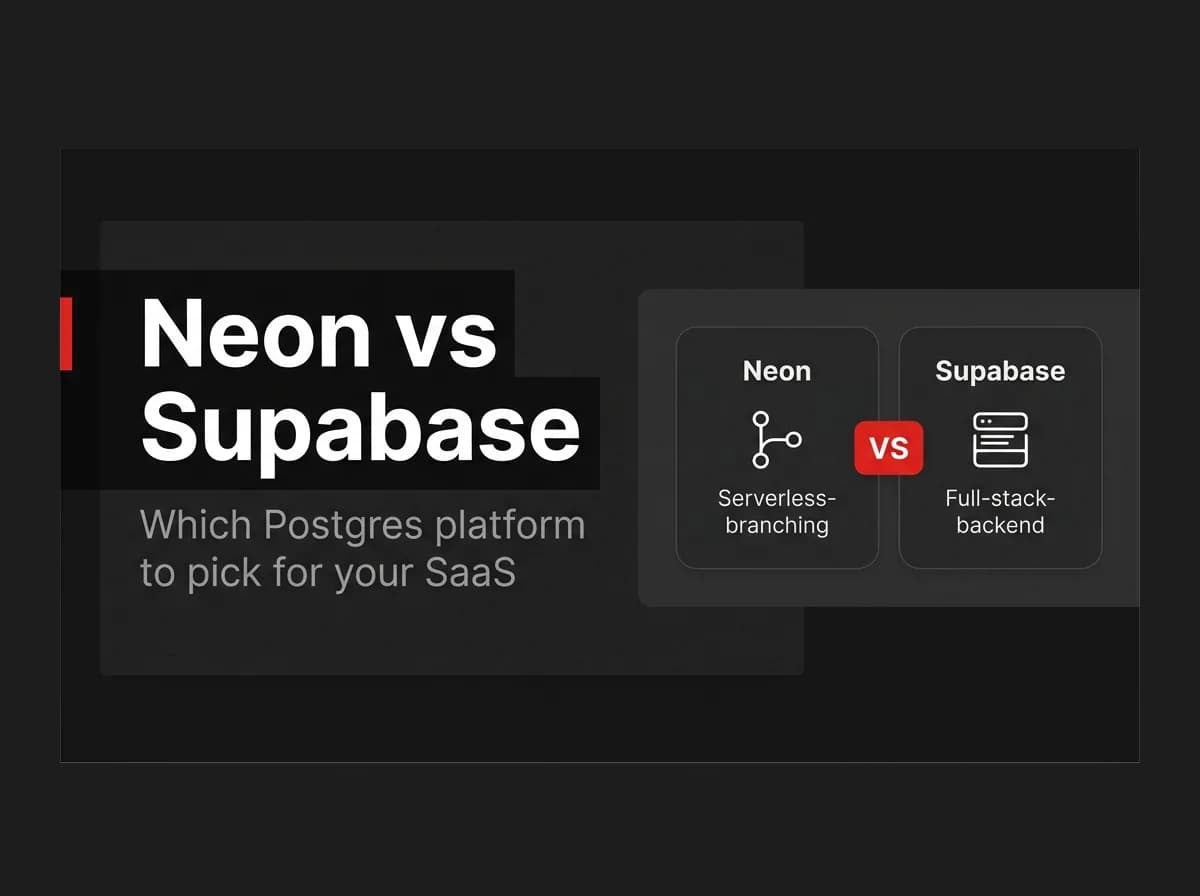
Pick Neon if you want serverless PostgreSQL with instant branching and scale-to-zero billing, and you're comfortable wiring up your own auth and storage. Pick Supabase if you want managed Postgres bundled with auth, storage, realtime, and auto-generated APIs under one bill. Neon is a database. Supabase is a database plus a backend-as-a-service built on top of it.
That's the short version. The rest of this page covers the architecture difference, what each platform bundles, real 2026 pricing, and where FastStaq fits if you're building a SaaS product on either one.
The key difference: a Postgres host vs a Postgres-based BaaS
Neon is serverless PostgreSQL. It separates storage from compute so your database can scale to zero when idle and spin back up in milliseconds when a query arrives. You get a standard Postgres connection string, and you bring your own backend: your own auth, your own file storage, your own API layer.
Supabase is managed PostgreSQL wrapped in a backend-as-a-service. Every project ships with auth, file storage, realtime subscriptions over websockets, and auto-generated REST and GraphQL APIs, on top of the Postgres database itself.
Both are legitimate ways to run Postgres. What matters is whether you want the platform to hand you a full backend, or just the data layer.
Note: Feature and pricing details below are verified as of July 2026. Managed platforms change plans and rates often, so confirm the current numbers at neon.com/pricing and supabase.com/pricing before you commit. This page is refreshed quarterly.
At a glance
Neon | Supabase | |
|---|---|---|
What it is | Serverless PostgreSQL host | Postgres + bundled backend (BaaS) |
Scaling model | Autoscale + scale-to-zero, billed per CU-hour | Fixed compute instance you provision and pay for |
Branching | Copy-on-write, instant, included on every plan | Full separate instance per branch, Pro plan and up |
Auth / storage / realtime | Beta modules, opt-in, separate from core Postgres | Core product, included by default |
Free tier | $0, 100 CU-hours/project, 0.5 GB storage | $0, 500 MB database, 50k MAU, pauses after 7 days idle |
Entry paid tier | Pay-as-you-go, no monthly minimum | $25/month flat, plus usage |
Compliance tier | Scale plan: SOC 2, ISO, HIPAA (extra), SLA | Team plan ($599/mo): SOC 2, ISO 27001, SSO, SAML |
Best for | Per-branch dev databases, spiky or idle-heavy traffic | A backend included from day one |
Architecture and scaling
Neon's design rests on separating storage from compute. Your data lives in a durable storage layer; compute nodes attach on demand and disconnect after about five minutes of inactivity by default. That's what makes scale-to-zero possible: an idle development database costs close to nothing because there's no compute running against it.
Branching follows directly from that architecture. Creating a branch in Neon is a copy-on-write operation: the new branch shares the parent's storage until you write to it, so spinning up a branch per pull request, per developer, or per feature costs almost nothing in storage. It's included on the Free plan (10 branches/project) and scales to 25/project on Scale, with extra branches billed at $1.50/branch-month beyond your allowance.
Supabase scales differently. You provision a fixed compute instance (Micro through 16XL) and pay for it whether it's busy or idle. Supabase also has branching, but it works at a different layer: each branch spins up as a full, separate Supabase instance (its own Postgres, Auth, Storage, and Edge Functions), seeded from your migrations rather than copied from your data. That makes a Supabase branch heavier to create and, by default, empty of production data.
Neither model is wrong. Neon's branching is cheaper and faster to spin up. Supabase's branching gives you a full backend replica, not just a database copy.
Included features: auth, storage, realtime
This is where the two platforms diverge the most.
Supabase's auth, storage, and realtime aren't add-ons, they're the product. Auth handles email/password and OAuth logins with row-level security tied directly into Postgres policies. Storage is S3-compatible file storage using the same access-control model. Realtime pushes database changes to connected clients over websockets. All three ship in every plan, including Free.
Neon has started building comparable pieces: a managed Better Auth integration, S3-compatible object storage, and serverless Node.js functions. As of mid-2026 these are beta modules you opt into, not the core product. Choosing Neon for its Postgres and branching means deciding to run without a bundled backend, unless you turn those betas on or bring your own.
That's the gap FastStaq is built to fill. It runs its own auth system (email/password sessions, Google OAuth, magic links, TOTP 2FA, RBAC), background job workers, and S3-compatible file storage in the app layer, and connects to Postgres through Prisma via a single DATABASE_URL. Point that at Neon and you keep Neon's branching and scale-to-zero billing without losing auth, storage, or any of FastStaq's 76 data models. Point it at Supabase's managed Postgres and it works the same way, though you'd be running FastStaq's auth alongside Supabase's rather than needing Supabase's.
Developer experience
Neon feels like working with plain Postgres, because it is. Any ORM that speaks Postgres, Prisma, Drizzle, or raw SQL, connects the same way it would to any other Postgres instance. The learning curve is close to zero if you already know Postgres.
Supabase adds its own client libraries, a generated API layer, and a dashboard built around tables, auth users, and storage buckets together. That's convenient if you want one dashboard for the whole backend. It's also more surface area to learn if all you actually wanted was a database.
Local development differs too. Supabase ships a CLI that spins up the full stack (Postgres, Auth, Storage, Edge Functions) in Docker for local testing. Neon's local story is closer to standard Postgres tooling, since there's no bundled backend to run locally in the first place.
Pricing model
Neon bills usage-based with no monthly minimum on paid plans: compute runs $0.106/CU-hour on Launch and $0.222/CU-hour on Scale, storage is $0.35/GB-month, and the free tier includes 100 CU-hours and 0.5 GB of storage per project. A side project that scales to zero most of the day can run for a few dollars a month. An always-on database runs the compute meter continuously and can climb into the hundreds.
Supabase charges a flat base fee plus usage: Free is $0, Pro is $25/month (with a $10 compute credit that covers the smallest instance), and Team jumps to $599/month for SOC 2, ISO 27001, SSO, and SAML. Beyond the base, you pay for bigger compute instances, MAU past 100,000, egress past 250 GB, and add-ons like extended point-in-time recovery.
Neon | Supabase | |
|---|---|---|
Free | $0/month | $0/month |
Entry paid | Pay-as-you-go, no minimum ($0.106/CU-hr + $0.35/GB-mo) | $25/month + usage |
Compliance tier | Scale: usage-based, adds SOC 2/ISO/HIPAA | Team: $599/month flat + usage |
The practical difference: Neon rewards workloads that go idle, like dev, staging, and spiky traffic. Supabase's flat $25 is more predictable for a small, always-on production app, since you're not tracking a CU-hour meter.
Which to choose
Choose Neon if branching is central to your workflow, your traffic is spiky or dev-heavy, and you're comfortable running your own auth and storage, whether that's FastStaq, Clerk, or code you write yourself.
Choose Supabase if you want the backend included from day one and would rather pay a flat $25/month than track compute-hour billing while you're small.
If you're already running FastStaq, this decision carries less weight than it looks. FastStaq owns its own auth, storage, and background jobs regardless of which Postgres host sits underneath, so switching between Neon and Supabase later is a DATABASE_URL change and a Prisma migration run, not a rewrite.
FAQ
Is Neon better than Supabase? Neither is better in general. Neon is the better fit if you want pure Postgres, cheap per-branch dev databases, and plan to build or buy your own backend. Supabase is the better fit if you want auth, storage, and realtime included without wiring them up yourself.
Can I switch from Supabase to Neon later, or use both? Yes. Both are standard PostgreSQL underneath, so migrating means exporting your schema and data and pointing your app at a new DATABASE_URL. The harder part is usually replacing whatever Supabase-specific features your app depends on, like row-level security policies, Edge Functions, or Realtime, since those don't exist on bare Neon.
Does FastStaq work with Neon, or only with Supabase? FastStaq connects to any Postgres host through Prisma and a DATABASE_URL environment variable, including Neon's serverless Postgres and Supabase's managed Postgres. It ships its own auth, storage, and background job system, so it doesn't depend on Supabase-specific features either way.
Which is cheaper, Neon or Supabase? It depends on your traffic pattern. For a database that's idle most of the time, like dev, staging, or a low-traffic side project, Neon's scale-to-zero billing tends to cost less than Supabase's $25/month flat fee. For a small, steady, always-on production app, Supabase's flat pricing is often more predictable, especially once you factor in the backend features it includes at no extra cost.
Where to go next
Neon and Supabase solve different problems: one is a serverless Postgres host, the other is a Postgres-based backend platform. If branching and usage-based billing matter more to you than a bundled backend, start with Neon. If you'd rather not build auth and storage yourself, Supabase gets you there on its own, or with more flexibility if you pair it with FastStaq.
Either way, the database choice doesn't lock you into a specific backend. FastStaq runs on both through a single DATABASE_URL, with auth, storage, and background jobs already wired up for $299 one time. See what's included in FastStaq's Postgres setup, or read Supabase with Next.js if you're leaning toward the bundled route. Still comparing hosts? Supabase alternatives covers the wider field beyond Neon.
Comparing SaaS boilerplates?
Get the SaaS Production Readiness Checklist, the 20 things any boilerplate has to get right before launch, plus a 6-part walkthrough of each one. One email to start, unsubscribe anytime.