How to Design a High-Converting SaaS Pricing Page
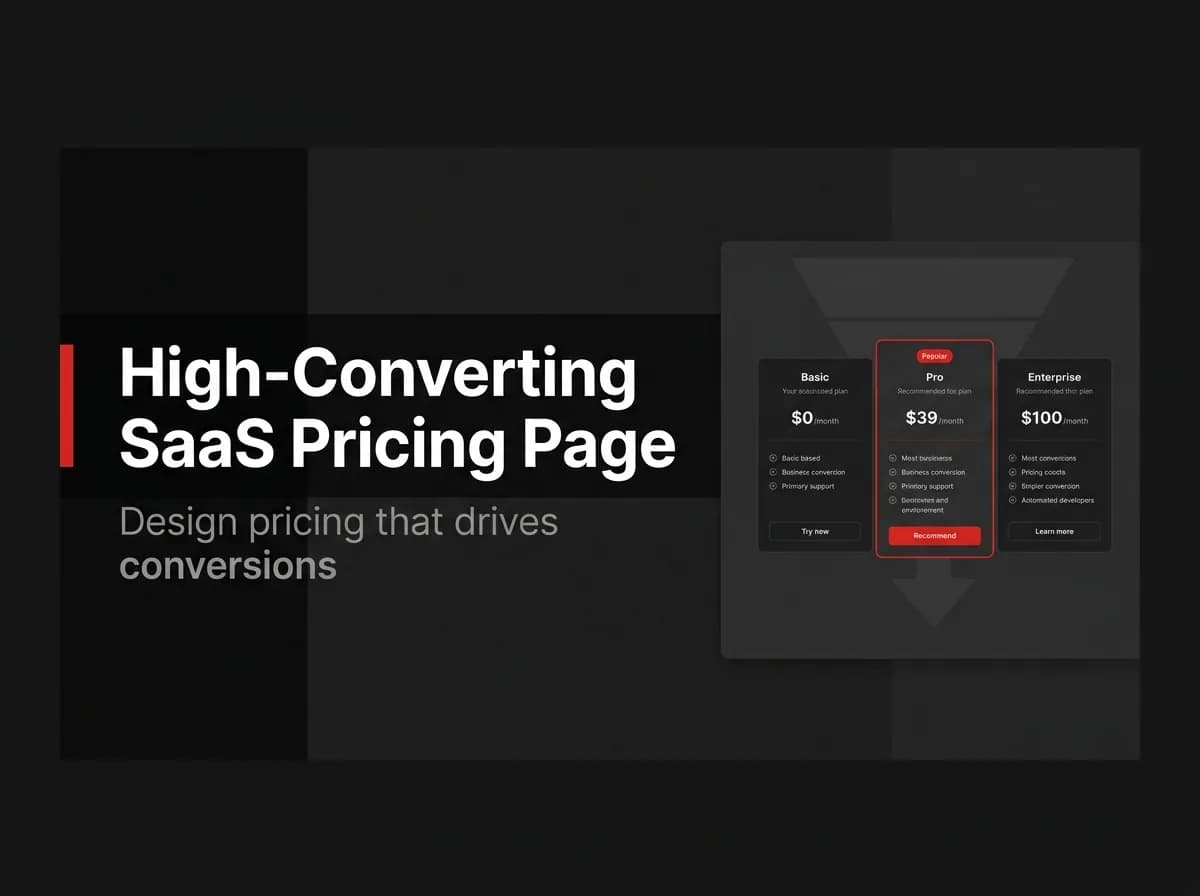
A SaaS pricing page is where you lose money if the UX is confusing, and win money if it's clear. The research is consistent: three tiers, one recommended, visible prices, and one CTA per plan convert better than clever designs. Here's the high-converting template — and why each element earns its place on the page.
Quick Answer
To design a SaaS pricing page that converts, show three clear tiers with one marked as recommended, lead with the value metric instead of long feature lists, make the primary call to action obvious, and remove friction with an annual toggle, an FAQ, and trust signals. Clarity converts better than clever — a visitor should understand which plan is for them in seconds.
Anatomy of a pricing page
A high-converting pricing page has a clear headline, a small number of tiers, a highlighted recommended plan, a value-based feature comparison, an obvious CTA per tier, and an FAQ that kills objections.
Element | Why it matters |
|---|---|
3 tiers | Easy to compare; supports anchoring |
Recommended badge | Guides the undecided to the plan you want |
Value metric | Frames price against the value delivered |
Annual toggle | Captures higher-commitment buyers |
FAQ + trust | Removes last-mile objections |
Tiers and anchoring
Three tiers let a mid plan look like the sensible choice between a cheaper and a premium option. Anchor with the higher tier so the recommended plan feels reasonable.
The UX checklist
One primary CTA per tier, visually dominant.
Lead with the value metric (seats, projects, usage), not a wall of checkmarks.
Show prices — hiding them adds friction for self-serve buyers.
Add an annual/monthly toggle with the annual saving labeled.
Put an FAQ below the tiers for objections (refunds, limits, upgrades).
Add trust signals (logos, security, guarantees) near the CTA.
Common mistakes
Too many tiers, feature lists with no hierarchy, hidden prices, and vague CTAs ("Learn more" instead of "Start free"). Each adds a decision the visitor must make — and every extra decision is a conversion killer.
CTA and trust
Make the action concrete ("Start free", "Get started") and place reassurance (no card required, cancel anytime) right next to it.
How this maps to FastStaq
FastStaq provides the billing plumbing behind a pricing page: tiered Stripe plans and checkout, so each "Choose plan" button can start a real subscription. The page design above sits on top of that. Pair it with a sound SaaS pricing strategy and Stripe subscriptions.
Frequently asked questions
How many tiers should I have? Usually three — enough for anchoring without overwhelming the visitor.
Should I show prices? Yes for self-serve SaaS — hidden prices add friction; reserve "contact us" for enterprise.
Where do CTAs go? One dominant CTA per tier, repeated near the FAQ for visitors who scroll.
Next steps
Read the SaaS pricing strategy guide
See Stripe subscriptions
Back to the SaaS billing guide