How to Add the Stripe Customer Portal to Your SaaS
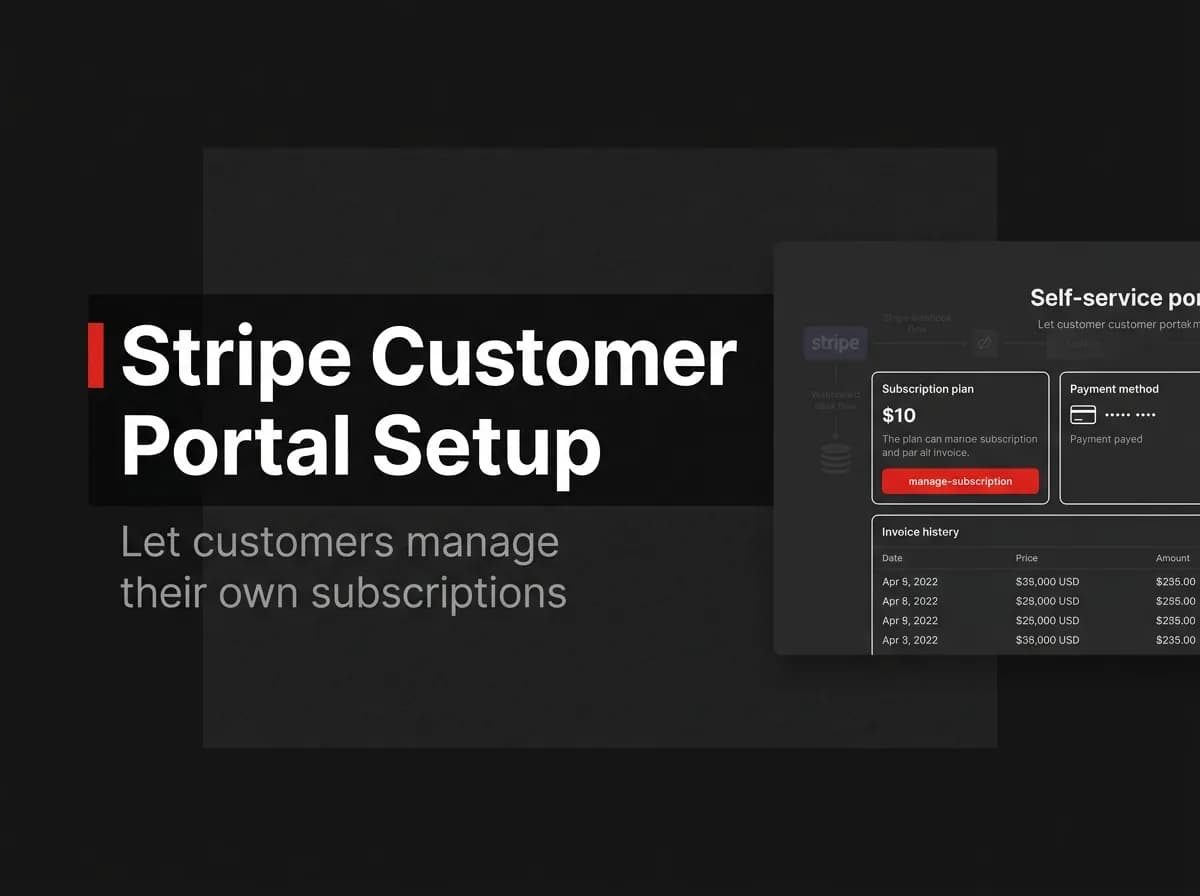
The Stripe customer portal is one of the best billing UX decisions you can make. Instead of building payment-method screens, invoice downloads, and plan-change flows yourself, you offload all of it to a Stripe-hosted page. Three server-side lines create the session. Here's how to set it up and keep your database in sync.
Quick Answer
To add the Stripe customer portal, enable it in your Stripe dashboard, then from your app create a billing portal session for the logged-in customer and redirect them to the URL Stripe returns. In the portal, customers update payment methods, switch plans, and cancel on their own. Stripe sends webhooks for every change, so your database stays in sync without you building any billing UI.
What the portal does
The Stripe customer portal is a hosted page where customers manage their own subscription and billing. It removes the need to build screens for payment methods, invoices, plan changes, and cancellations.
Capability | In the portal |
|---|---|
Update card / payment method | Yes |
Switch or cancel plan | Yes (per your config) |
Download invoices | Yes |
Update billing address / tax ID | Yes |
Configure the portal in Stripe
In the Stripe dashboard, turn on the customer portal and choose what customers may do (which products they can switch between, whether they can cancel immediately or at period end, etc.).
Create a portal session
// (untested-here)
const session = await stripe.billingPortal.sessions.create({
  customer: stripeCustomerId,
  return_url: 'https://app.example.com/account',
});
// redirect the user to session.url
Redirect the user
Send the customer to session.url. When they finish, Stripe returns them to your return_url.
Sync changes via webhooks
The portal changes happen on Stripe's side, so listen for subscription webhooks (customer.subscription.updated, deleted) and update your database — see how to handle Stripe webhooks. This keeps your app's notion of the plan accurate.
How this maps to FastStaq
FastStaq integrates Stripe with webhook-driven subscription sync, so customers can self-manage their subscriptions and your records update automatically. The portal pattern here fits directly on top of that integration. See Stripe subscriptions and the SaaS billing guide.
Frequently asked questions
Do I need to build any billing UI? No — the portal is hosted by Stripe; you just create a session and redirect.
How do I keep my database in sync? Listen for subscription webhooks and update your records when the portal triggers a change.
Can I limit what customers can change? Yes — the portal configuration in Stripe controls available actions and plans.
Next steps
Read Stripe subscriptions
See how to handle Stripe webhooks
Back to the SaaS billing guide